GB 5
Listeningtoradio
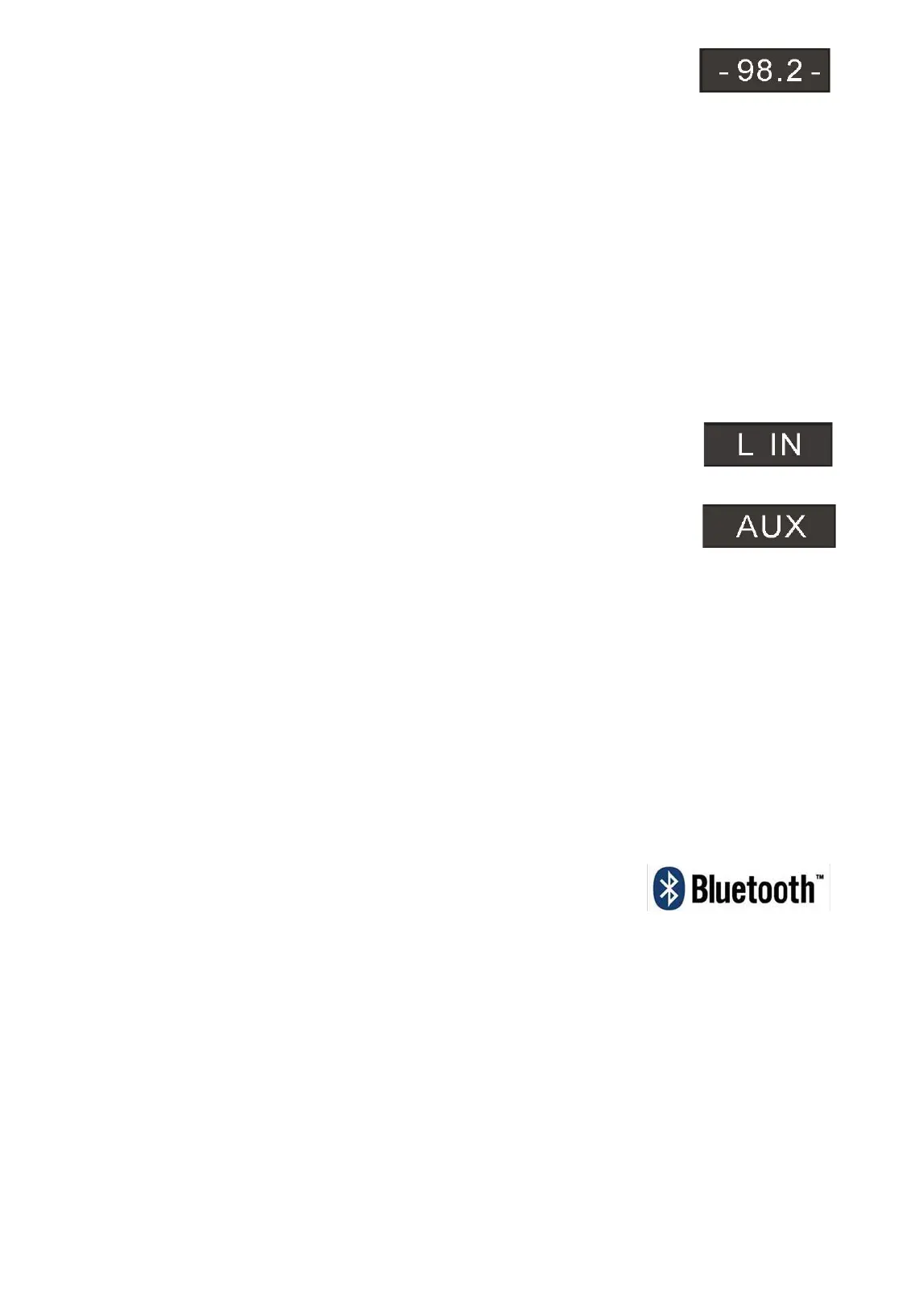
1. Press the SOURCE button on the unit or the remote control to select RADIO mode. The unit will be in FM radio
mode.
2. SelectthedesiredradiostationbypressingthePREVIOUS/NEXTbutton.
3. PressandholdPREVIOUS/NEXTbuttonfor2seconds,Theunit willautomaticallystartand search thefrequencies
for
thepreviousornextstrongstationandstoponthatstation.
4. Onceyoufindastationyouwanttosave,presstheMEMbuttonontheremotecontrol,”P01”willbeshownonthe
display, press MͲup or MͲdn until the desired memory position number appears on the
display. Press the MEM
againtoconfirmandsavethecurrentstation.
UsingtheLineinorAUXInput
Analoguesoundsignalsfromothersourcescaninputtothespeaker.ToselecttheAuxfunctionbuttononthetoweror
repeatedlypressthesourcebuttonontheremotecontroluntilthedisplaceshowsAUXorLIN.
LineinJack
Requiresa3.5mmcable
1. Connecta3.5mmcabletotheAuxin1jack.Connecttheotherendofthe3.5mmcabletoanMp3playerorother
audiosource.
2. Pressthepowerbuttontoturntheuniton.
3. Pressthefunctionbuttonorsourcebuttononthe
remotetoswitch
toLineInmode.
4. Usethecontrolsontheconnecteddevicetobeginplayingaudioroutedthroughtheunit.
AUXInAuxiliaryInputRCA
RequiresanRCAcable
1. ConnectanRCAcabletotheAuxiliaryInput.ConnecttheotherendoftheRCAcabletotheaudiooutputonyour
DVDplayer,stereosystem,gamingsystemortelevision.
2. Pressthepowerbuttontoturntheuniton.
3. Pressthefunctionbuttonor
theSOURCEbutton
ontheremotecontroltoswitchtoAuxIn2mode.
4. Usethecontrolsontheconnecteddevicetobeginplayingaudioroutedthroughtheunit.
1. PlugyourUSBflashdrive/SecureDigitalMemoryCardtotheUSB/SDconverter,thenconnecttheconvertertothe
unit.
2. PressfunctiononceintotheUSBmode,theunitcanplayautomatically.
3. PressfunctiontwiceintotheSDmode,theunitcanplayautomatically.
4. PressPREVIOUS/NEXTtoselect
track.
USBcharging
ThereisaUSBchargeronthetopoftheunittochargesmalldevicessuchassmartphonesthatcanbechargedviaUSB.
Output power: 5V/2.1A max
BluetoothMode
A.PairingwithaBluetoothcellphone
PleasemakesureyourcellphoneisBluetoothͲenabled.Specificpairingstepsmayvarywithdifferentcellphones.
Pleaserefertotheusermanualofyourcellphoneforfurtherinformation.Thegeneralpairingstepsareasfollows:
1. KeepDS301andBluetoothcell
phone
within1meterwhenpairing.
2. PressStandbybutton,andpressthefunctiononceintotheBluetoothmode
3. Switchonyourcellphone’sBluetoothfunctionandsearchforBluetoothdevices.Afterthesearchiscompleted,select
“DS301”fromtheBluetoothdevicelist.
4. Accordingtoindication,enterpassword
orPINNo:“0000”
andpress“Yes”or“confirm” .
5. Aftersuccessfulpairing,select“DS301”fromtheBluetoothdevicelistandpress“connect” .
B.PairingwithaBluetoothstereotransmitter
DifferentBluetoothtransmittershavedifferentpairingways.PleaserefertotheusermanualofyourBluetooth
transmitterforfurtherinformation.Thegeneralpairingstepsareasfollows:
1. KeepDS301andBluetoothtransmitterwithin1meterwhenpairing.
2. PressStandbybutton,andpressthefunctiononceintotheBluetoothmode
3. SwitchonyourBluetoothtransmitterandletitenterpairingmode.
4. ThetransmitterwillsearchandconnectwithDS301automatically.Aftersuccessfulconnecting,theBluetoothvoice
willchangewhenconnectedsuccessfully.
Usingthe
USB/SD Input


 To Next Page
 Loading...