6
Connections and initial set up
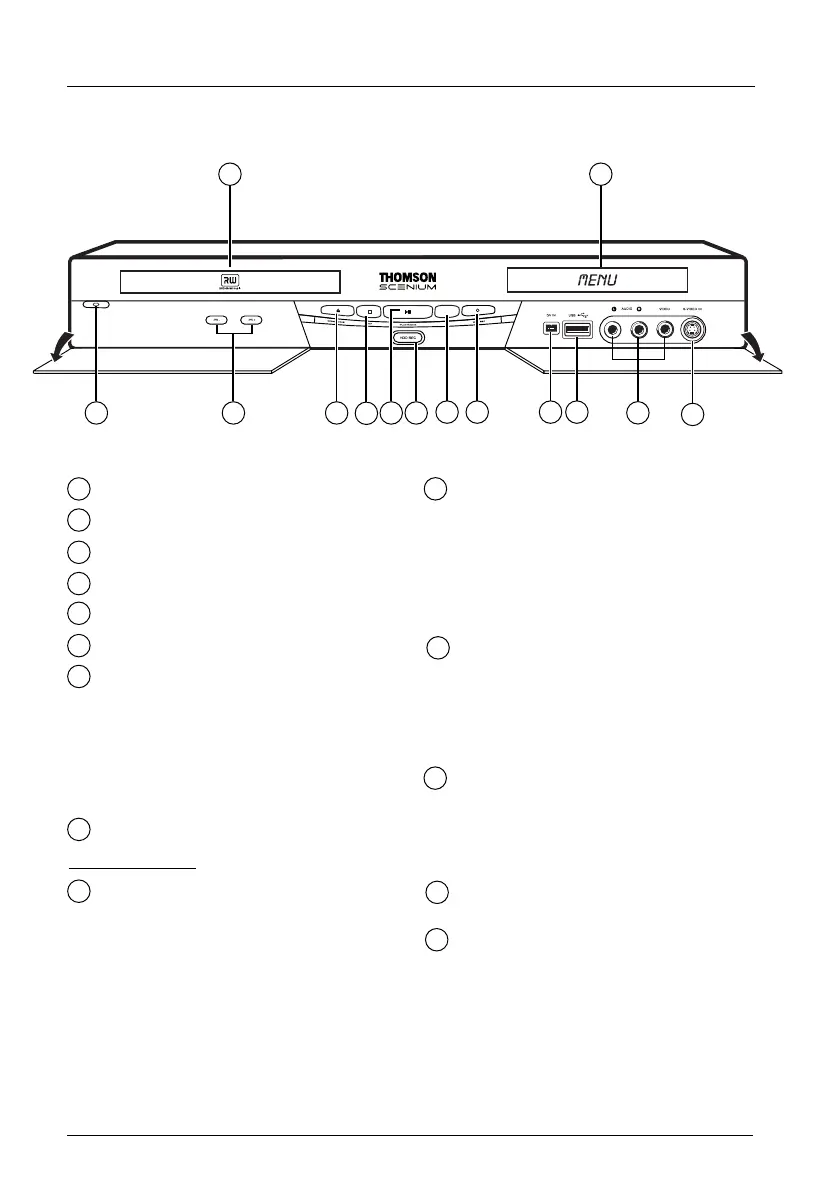
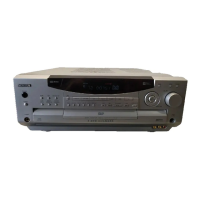
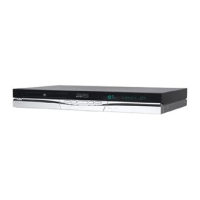
The front of your player recorder
On / Off
Change channel or skip chapter.
Open and close the drawer.
Stops the playback or recording.
Playback or freeze frame.
HDD REC - To record to the hard disc.
To select the audiovisual sources
(appliances connected to the AV sockets):
AV 2 - Appliance connected to SCART IN
(satellite received, decoder, etc.).
AV 3 - AUDIO/VIDEO sockets on the
front panel.
Note: USB, DV IN sockets no selection
DVD REC
- To record to a DVD R/RW.
Behind the flaps:
DV IN socket (input) - This socket, also
known as an IEEE 1394, allows the display
and/or copying of sound and images from
a digital video camera
Note: to display the images, select DV-CAM in
the main menu
USB
socket - La prise USB socket is used
to play and/or copy JPEG images, MP3 files
or AVI files.
Note: recognised players: USB 1.1 MASS
STORAGE CLASS.
Note: to access the peripheral files, in the main
menu select USB Device.
The AUDIO-VIDEO sockets (inputs)
allow the viewing or copying of your video
sequences from a camcorder or any other
AV device that provides a composite video
signal and analogue stereo sound.
Note:View the images using the AV key.
S-Video socket (input) to connect a
camcorder or any other S-Video device.
Note: do not forget to connect the audio cables
since the S-Video socket handles only images and
not sound. View the images using the AV key.
Displays your DVD recorder’s modes of
operation.
Disc tray.
1
2
3
4
5
6
7
8
9
10
11
12
7 8 9 10
12
11
4
1
14 13
32
5 6
13
14
02_DTH8657_en.qxp 10/05/06 14:13 Page 6


 To Next Page