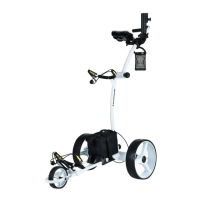
Electric Golf Buggy – E4000 & E4000S
E&OE © 2020 Thomson 14
Troubleshooting
Golf buggy does not have any
power.
◼
Check the fuse in the battery case.
◼
Check all wiring connections and plugs.
◼
Check if the battery has any charge left.
◼
Check if wheels & clutches are in order.
Motor is running, but wheels
won’t turn.
◼
Check if the wheels are properly secured to the axle with a split pin.
◼
Check the positions of the right and left wheels. Adjust the wheels, if
needed.
Golf buggy moves to the left or
right.
◼
Check if the wheel is properly fitted over the clutch and latched to the
axle.
◼
Check if clutch pin is visible at both sides of the axle
◼
Check clutch turn freely in one direction only
◼
Check cable connections.
◼
Check if fuse is 30A.
◼
Check charger function.
Problems attaching the wheels.
Remove the outer cap and adjust the quick release catch.
Golf buggy will not turn ON.
ON/OFF button needs to be held down for about 2 seconds for the golf
buggy to turn ON.


 To Next Page