- EN 15 -
What’s in the box
Check and identify the contents of your package:
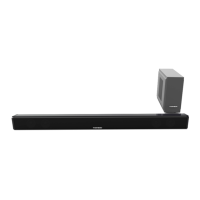
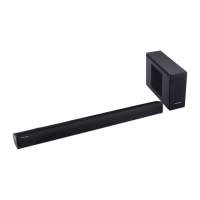
• Sound Bar and Subwoofer (Option for SB200BT only)
• Remote control
• User manual
• RCA cable
• Line in cable
• Audio cable for sub
Overview of the main unit
1
2
3
4
5
6
7
8
9
10
1. Standby
Turn on the unit, switch to Standby mode
2. VOL
Adju the Volume-
3. Source
Select a source: Bluetooth, USB, AUDIO IN
4.
Start or pause play.
5.
Skip to the previous track.
6. VOL +
Adju the Volume+.
7.
Skip to the next track.
8. LED indicator
Show the current atus.
9. USB socket
10. Audio in
Connect an external audio device.


 To Next Page