19
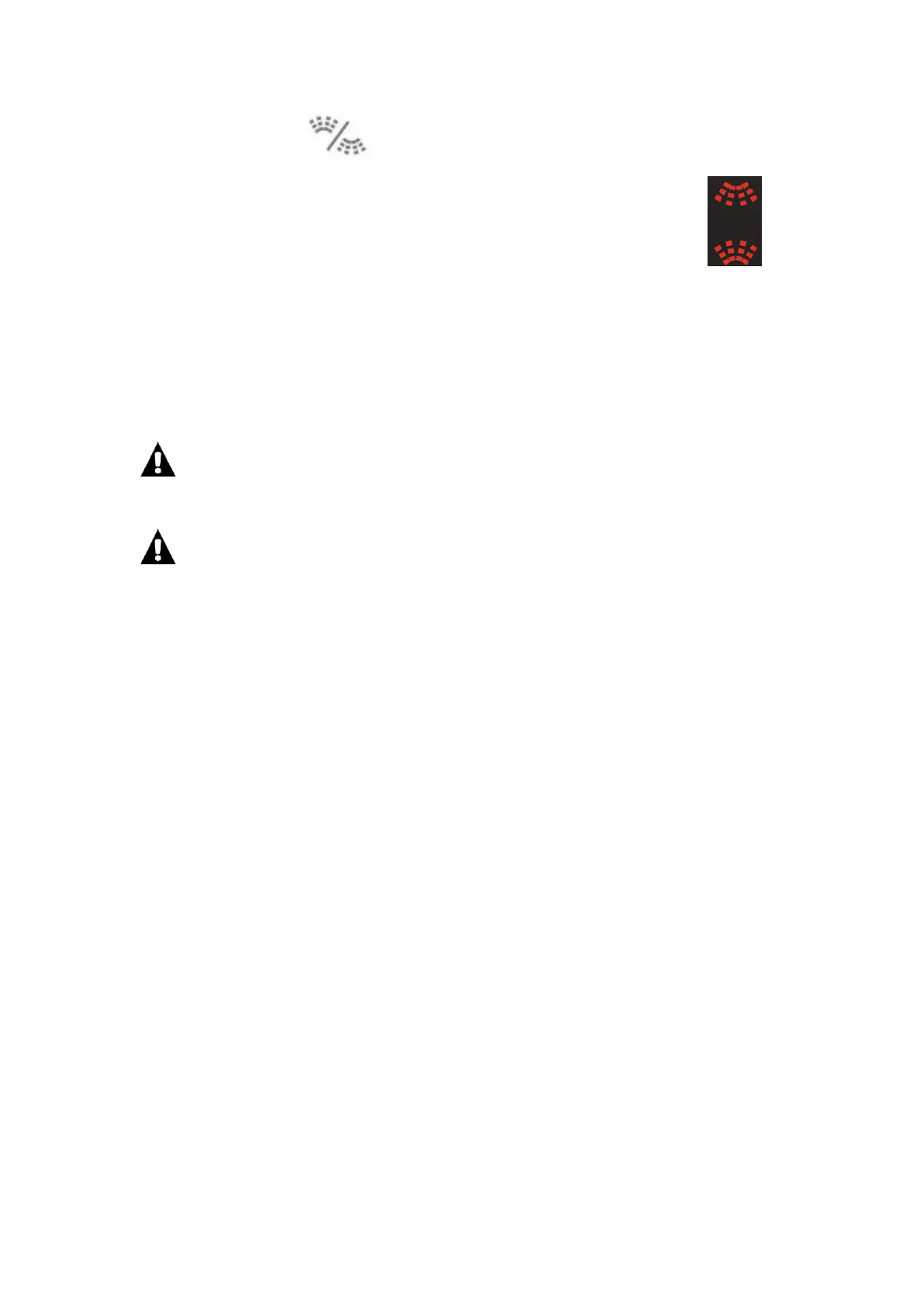
10. Repeatedly press to select the upper, lower or both baskets to be sprayed
during a washing cycle.
The corresponding indicator light (s) will illuminate on the display.
11. Close the dishwasher door securely.
The washing cycle will start.
12. At the end of the washing programme, the dishwasher will buzz and automatically
stop.
13. Wait for about 15 minutes before you open the dishwasher door in order to avoid
burns.
14. Unload the dishes.
The washing cycle will not start if the dishwasher door is left open or not properly
closed.
Do not open the door when the dishwasher is working since hot water may be
ejected, which could cause scalding.
Adding extra crockery
1. Open the door a little to stop the dishwasher, taking care to avoid the escaping steam.
2. Place the crockery inside the dishwasher.
3. Close the door. The cycle will start from the point at which it was interrupted.
Modifying a washing programme in progress
If a mistake was made during the washing programme selection process it is possible to
change the programme.
1. Open the door.
2. Press and hold P for about 3 seconds. You will hear a beep.
3. Repeatedly press P to select a new programme.
The new programme indicator light will illuminate.
4. Close the door to start the new programme.
CLEANING AND MAINTENANCE
Always switch off and unplug the appliance before cleaning.
Do not use chemical solvents or strong detergents as these may damage the cosmetic
finish.
Clean the outer surfaces and the tank of the dishwasher with a damp cloth.
Downloaded from www.vandenborre.be


 To Next Page