I. Product overview and connections
Connections
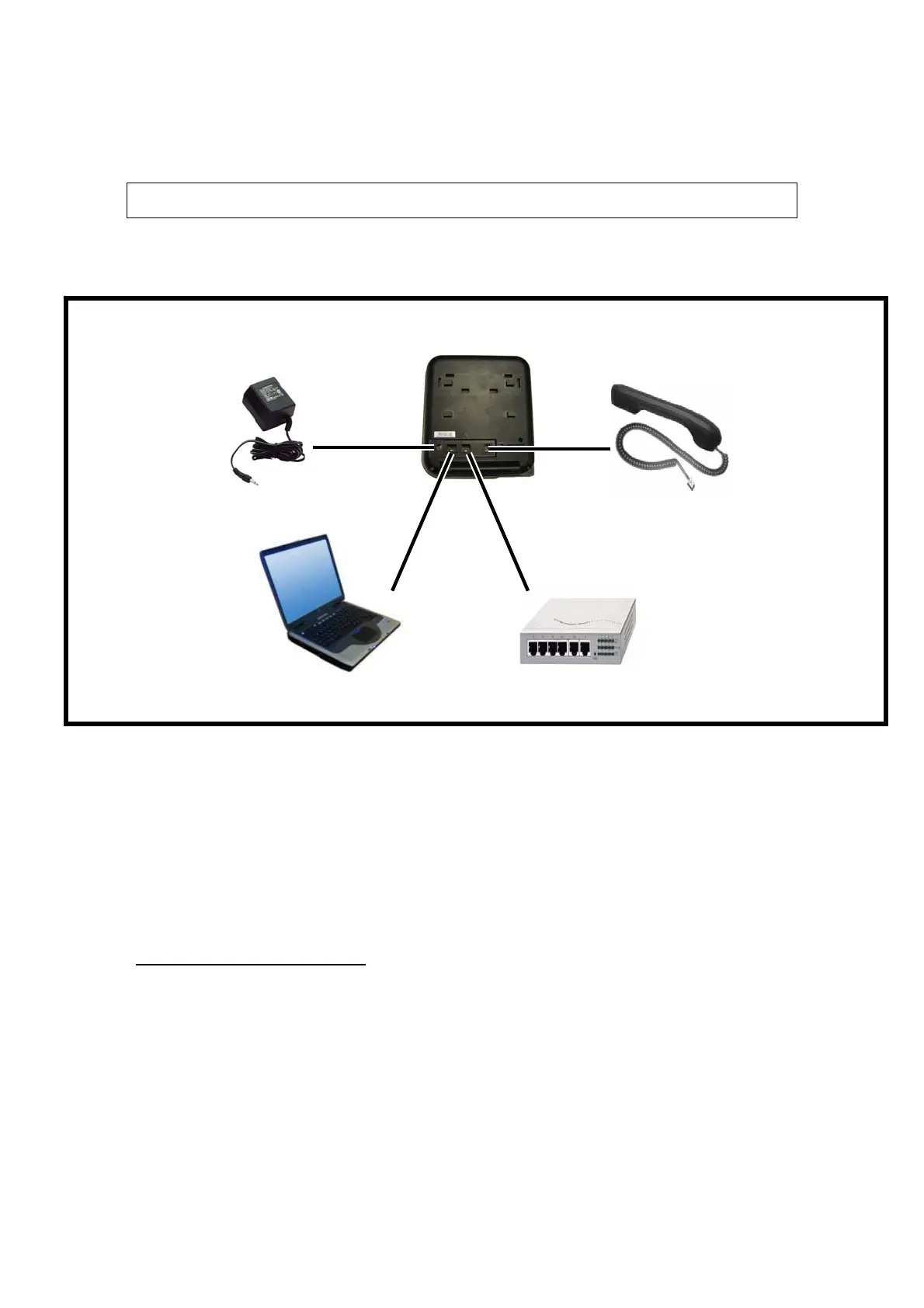
Connecting to the Network and the PC
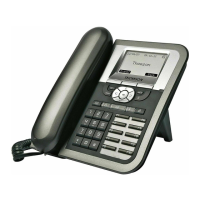
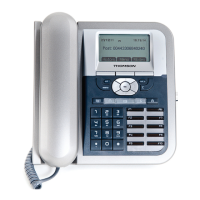
The ST2022 MGCP IP Phone has 2 RJ-45 ports that each support 10/100 Mbps full
duplex Ethernet connection to external devices- Network port and access port (one for PC
and one for LAN).
Network Port (10/100LAN)
Use the Ethernet cable to connect the LAN port to an Internet equipment, such as a hub,
switch. Or directly to the Network. In Power over Ethernet (PoE) office environment, the
IP phone can be powered from a switch via Ethernet cable, in which case the external
power adaptor is not needed.
(c)Réseau
ST 2022 (Arrière)
Combiné
(b)Ordinateur
(a)Transformateur


 To Next Page