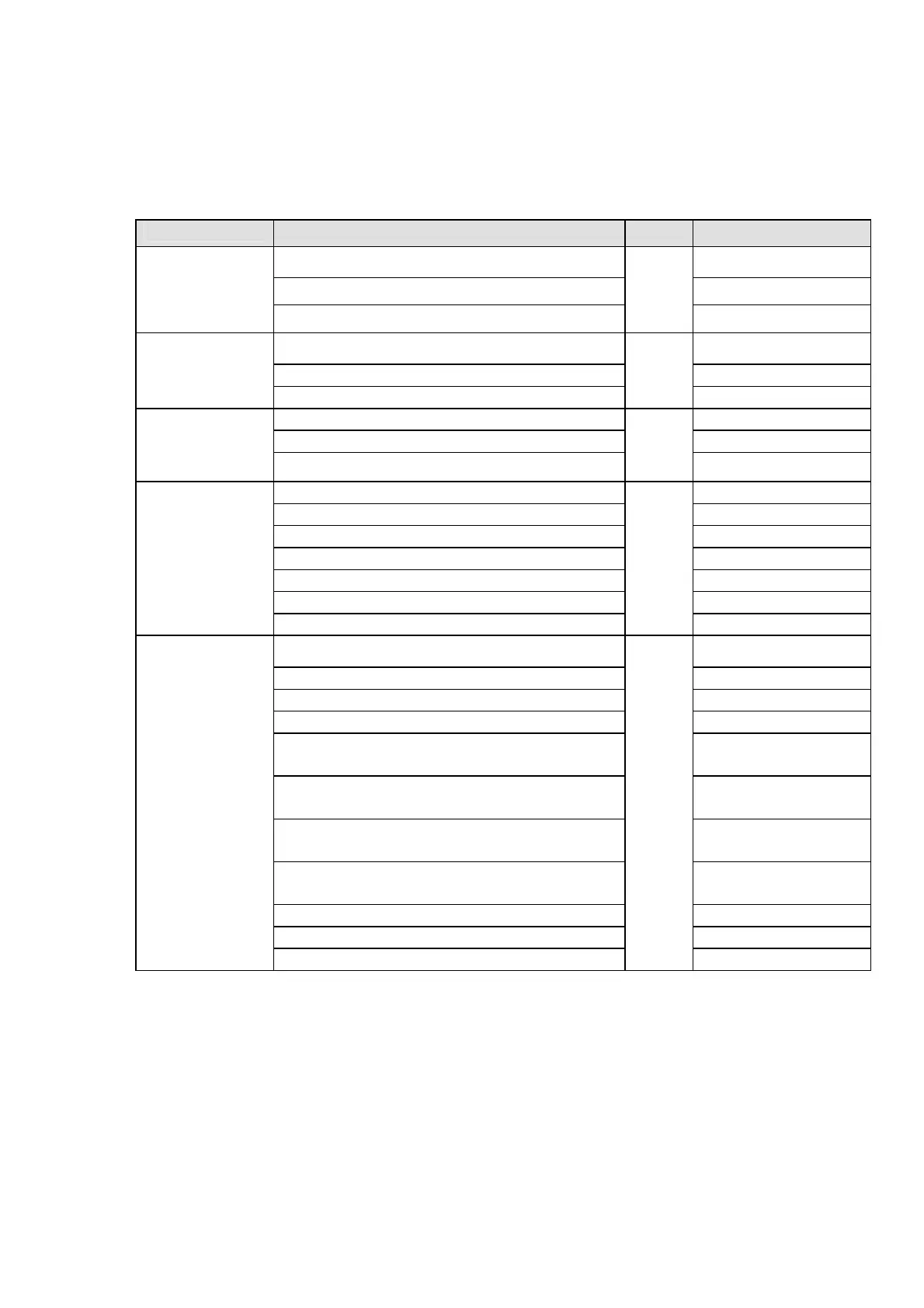
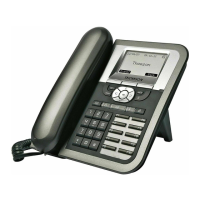
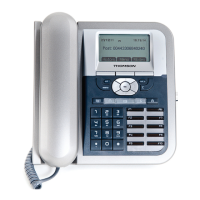
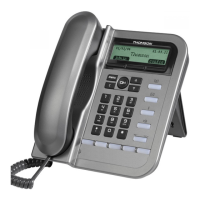
Definitions of LED
LED Indicator
Condition Color Status
Default OFF
During FW boot ON
Speaker
Loudspeaker is activated during a call
Red
ON
Default OFF
During FW boot ON
Voicemail
Voicemail received
Red
Slow blinking
Default OFF
During FW boot ON
Mute
Mute is active
Red
ON
Default OFF
During FW boot ON
Used for speed dial keys in standby mode OFF
Line appearance: standby mode OFF
Line appearance: a call is incoming Fast blinking
Line appearance: is active ON
Feature keys
Line appearance: hold or remote hold
Green
Slow blinking
Boot: during FW boot Red ON
Boot: during DHCP process (if any) Red Slow blinking
Boot: during SIP registration Red Fast blinking
Running mode: Ethernet connection is down Red Slow blinking
Running mode: IP connection is down (e.g.
no IP address allocated)
Red Slow blinking
Running mode: SIP connection is down (e.g.
SIP registration or registration refresh failure)
Red Slow blinking
Auto-configuration: during configuration file
download
Red Fast blinking
Auto-configuration: during firmware file
download
Red Fast blinking
System is programming FLASH Red ON
Ringing state Green Slow blinking
System
Alert messages and missed calls
Red
Green
Green Slow blinking


 To Next Page