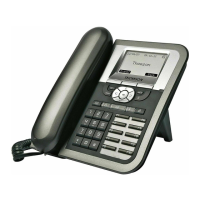
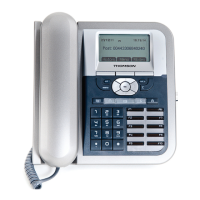
II. Configuration through LCD
Assign an IP address to the phone
Setting the address
Using Fix IP address
1. Press menu key.
2. Choose Admin with softkeys.
3. The phone will prompt Input Password:
4. Make sure you have selected the right entry mode with the A>a>1
softkey.
5. Enter the admin password using the Dialing pad (default value is
784515) and choose OK with softkeys.
6. Select Networking with Navigator keys and choose Select with
softkeys
7. The actual mode must now be highlighted. It can be DHCP, Fixed-IP or
PPPoE. Choose Edit with softkeys
8. Choose Fixed-IP using the Navigator keys and choose Save with
softkeys
9. Scroll down to the IP address using the Navigator keys and Choose
Edit with softkeys
10. Erase the previous IP address with DelChr softkey
11. Enter the new one with the Dialing pad and then press the Save
softkey
12. Press the Back softkey to return to previous menu.
13. Press the Back softkey once again to return phone idle mode.
14. Press menu key.
15. Choose Option with softkeys.
16. Use the Navigator keys to scroll down the menu to Reboot
17. Press Select softkey
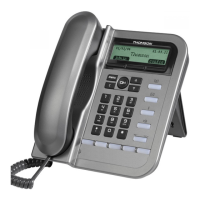
18. The ST2022 displays Reboot?


 To Next Page