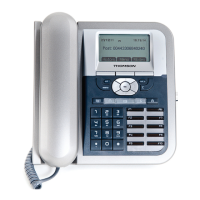
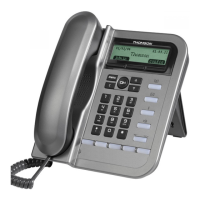
Display keys
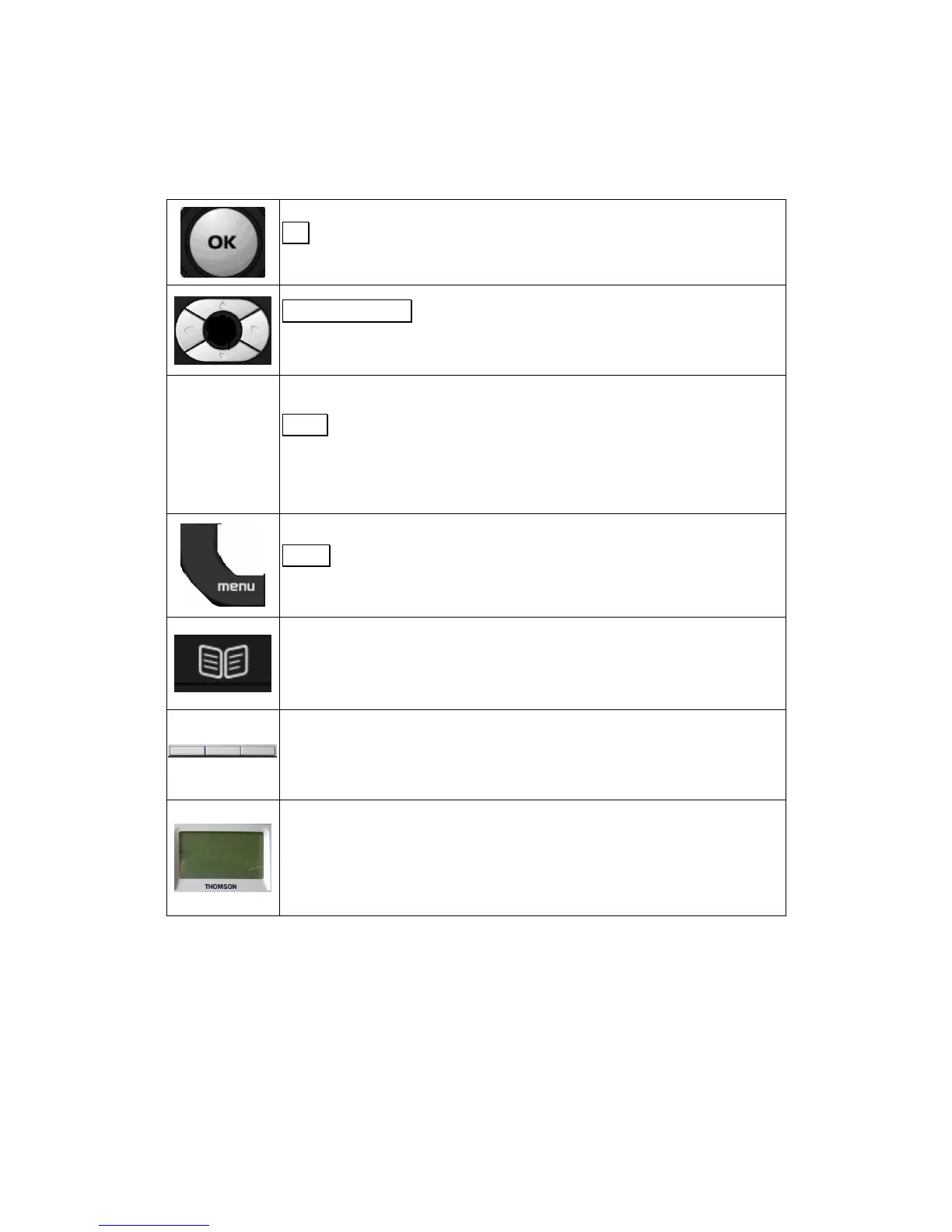
OK
key
:
Confirms settings
Navigator keys:
Enable browsing setting options, display the latest 30
standby mode
and move among soft keys options in editing mode.
Fout!
Objecten
kunnen niet
worden
gemaakt door
veldcodes te
bewerken.
Clear
key:
C
lear character
s
in edit
ing
mode or exit to standby display (long click)
return back to the previous page.
Menu
key:
E
nable
s
access to men
u
Phone book key:
Enables to access the phonebook and view the names and
phone numbers the user wants to dial.
3 Soft keys:
A
ctivate the features described by the text message directly above on the
Displays information about the phone settings, such as the number
dialing out or calling in, date, time, calls s
tatus, call duration timer etc.
It is a full graphic display used with 6
-
line of 20 characters.


 To Next Page