EasyManua.ls Logo

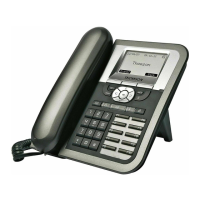
THOMSON ST2030 SIP - Audio Keys; Dialing Keys; Headset Key; Mute Key

THOMSON ST2030 SIP
25 pages
Print Icon
To Next Page IconTo Next Page
To Previous Page IconTo Previous Page
Loading...
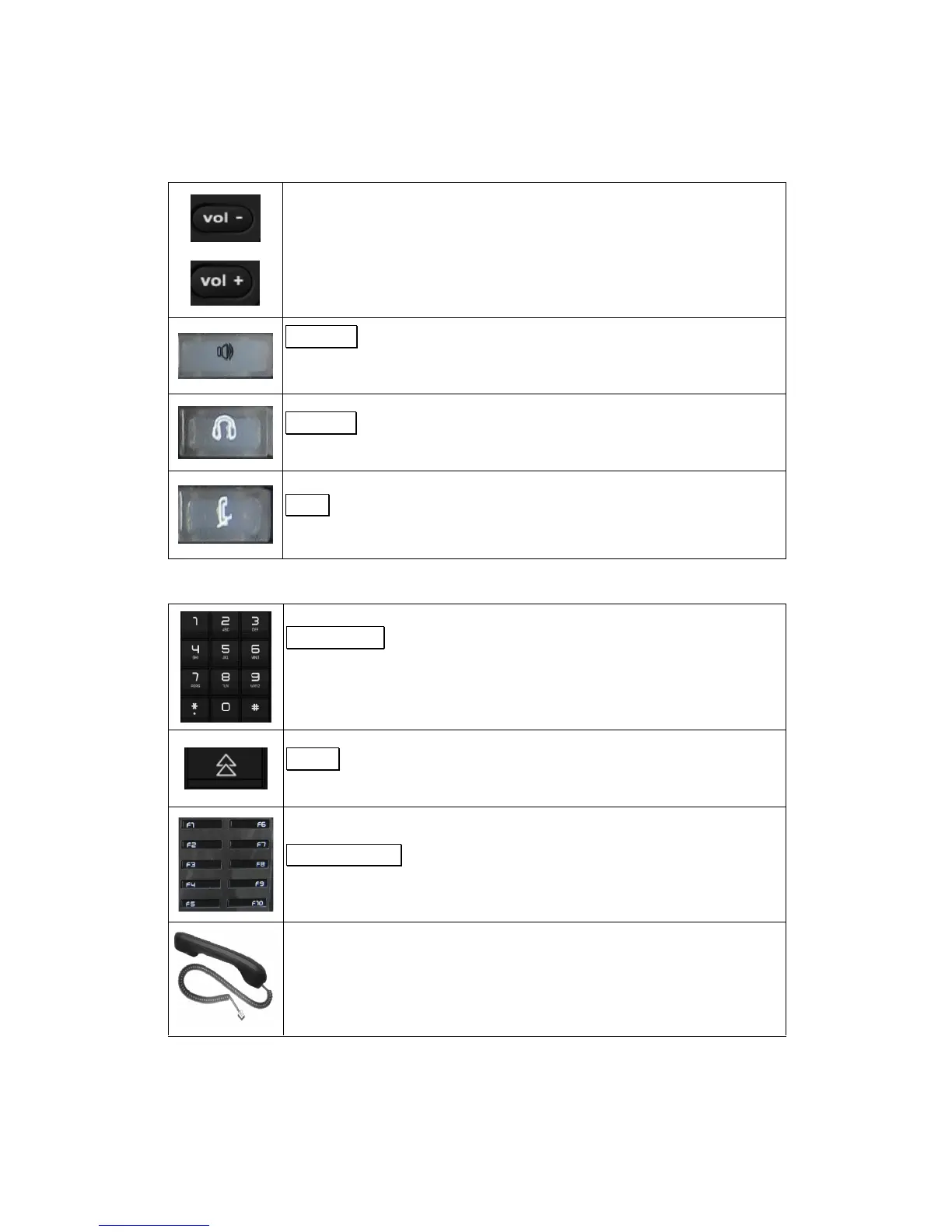
Audio keys
Volume keys:
Adjust the volume of the handset, headset, speaker phone, ringer phone.
Speaker
key:
A
ctivate
s
/d
isables
hands
free or group-listing function
and switch on/off
the microphone
Headset
key:
A
ctivate
s
headset mo
de during a call
Mute
key:
A
ctivate
s
/deactivate
s
mute
function.
Dialing keys
Dialing pad
Press the dial pad buttons to dial a number. Dial pad buttons work
exactly like those on your existing telephone. In the editing mode, it can
b
e used to input characters.
Redial
key:
Calls the last number dialed.
Memory keys
:
Are used as Speed dial keys.
Handset:
Makes and receives calls

Other manuals for THOMSON ST2030 SIP

Related product manuals