E-DOC-CTC-20060911-0017 v2.0
Chapter 4
Troubleshooting
35
4.6 Reset to Factory Defaults
Resetting your Thomson Gateway
You might consider a reset to factory defaults as described below.
A reset to factory default settings deletes the configuration profile settings. Therefore, after the reset, a
reconfiguration of your Thomson Gateway will be needed.
Reset to default configuration
Proceed as follows:
1 Make sure the Thomson Gateway is turned on.
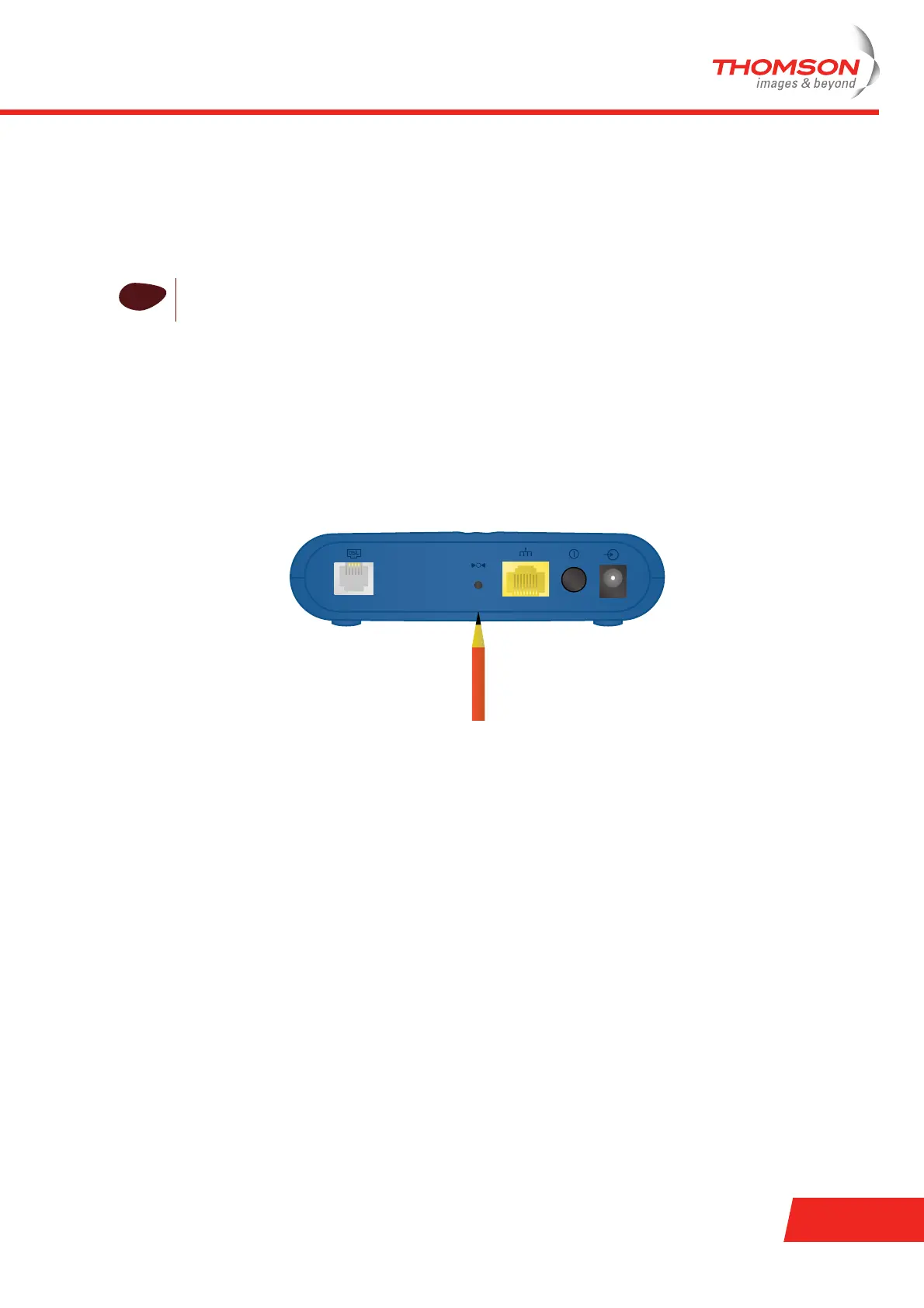
2 Use a pen or an unfolded paperclip to push the recessed reset button on the back panel. The reset button
is marked with a red circle. Push it until the power LED lights red - this will take about 7 seconds.
3 Release the reset button.
4 The Thomson Gateway restarts.
!
Be aware that a reset to factory defaults will revoke all configurational changes you made to the
Thomson Gateway.
DSL Reset ON/OFFEthernet















 To Next Page