Chapter 3 ’Web Browser Interface’ — Interface Description
76 ViBE VS7000
User Manual
Synchronize your ViBE VS7000 system with an NTP server: choose
NTP synchronize and enter the IP address(es) of one or several NTP
servers.
You can also:
Select the Time zone to use from the drop-down list.
Enable the Automatic adjustment for the daylight saving time option.
User Accounts
The
User accounts
category is available provided you have
administrator rights.
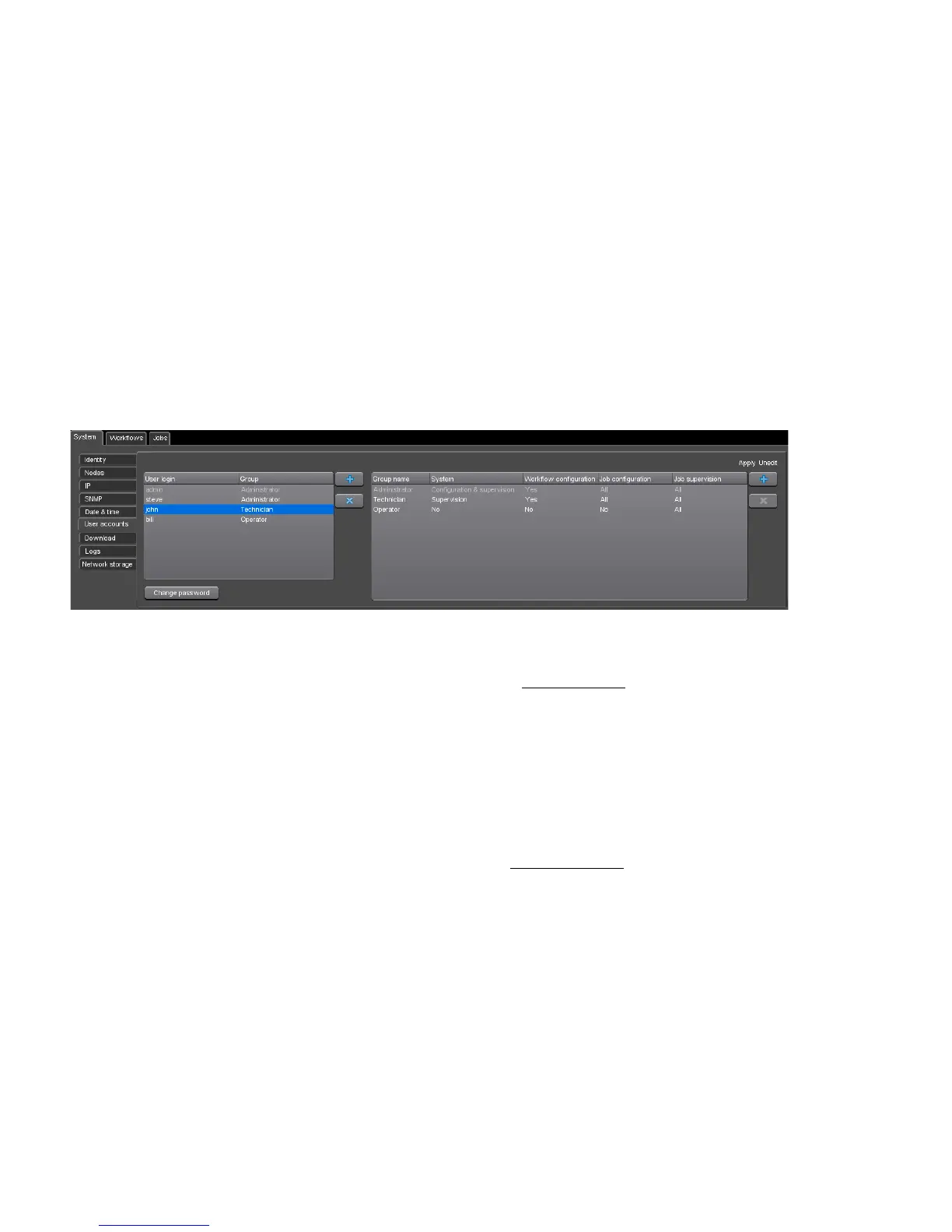
Figure 3-50. User accounts configuration
In this panel, you can define and manage user accounts and groups of
users, via two tables.
The table on the left lists the user accounts with their associated
group.
You can modify the values by double-clicking them in the table.
A password protects each user account. To change it, click the Change
password button.
You can add or remove accounts using the buttons.
The
admin
administrator account cannot be removed.
The table on the right lists the groups of users.
For each group, you can define the types of actions that users of this
group will be able to perform:
System: you can grant rights for configuration and supervision,
for supervision only, or no rights at all.
Workflow configuration: you can let the group’s users edit the
configuration of the workflows or not.
Job configuration: you can grant rights for:
-
Jobs configuration



 To Next Page