EN
6
VCR SET-UP, CHANNEL SEARCH…
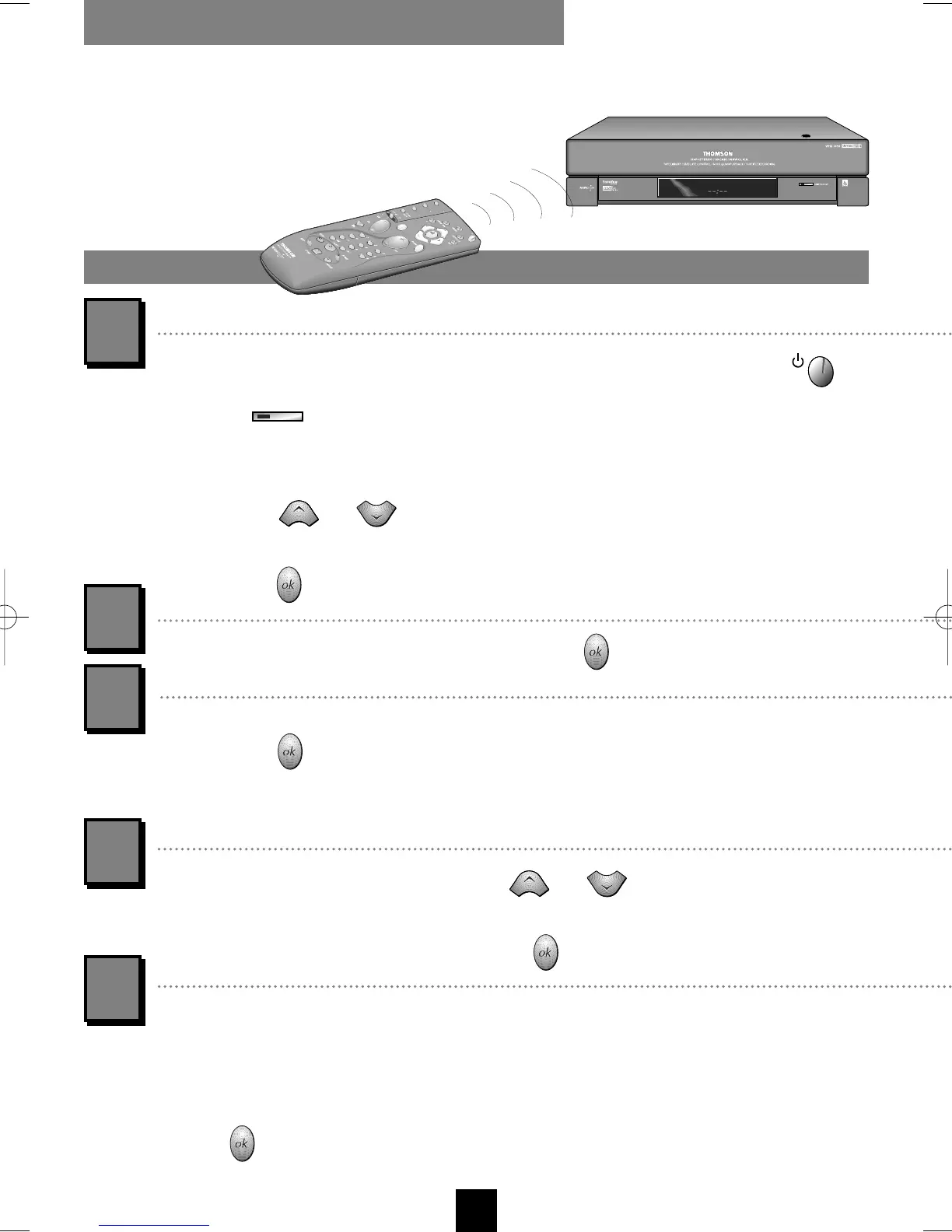
Switch your TV set on first and then your VCR with the remote control key
or the key located on the VCR front side (mind to set the remote control
selector on
vcr a
).
When you first turn on the VCR, the language selection menu will come up. By
means of key or , select the language you prefer for display of the
menus.
Confirm with .
1
Now a welcome message appears. Confirm with .
Always point the remote
control at the video recorder.
The INSTALLATION menu comes up. The line Auto installation is pre-selected.
Validate with .
If your TV set is fitted with the NexTView Link (AV
Link…) feature (or similar), read the help message displayed in
the shaded margin of the right page.
A list of countries is displayed. With key or , choose the country where
you live.
Start the automatic channel set-up with key .
You are informed by a message that your VCR is now scanning the channels which
can be received in your region and is storing them. You'll have to wait a fairly
long time (up to 10 minutes) until a message informs you that channel storage is
completed.
Press to sort the channels. Continue on the following
page.
Your video recorder automatically searches for
the TV channels and stores them with names
where possible.
1
2
3
4
5
I-T7089PE-GB/BEI/906 20/07/99 18:14 Page 6



 To Next Page