EN
5
continue on the following page.
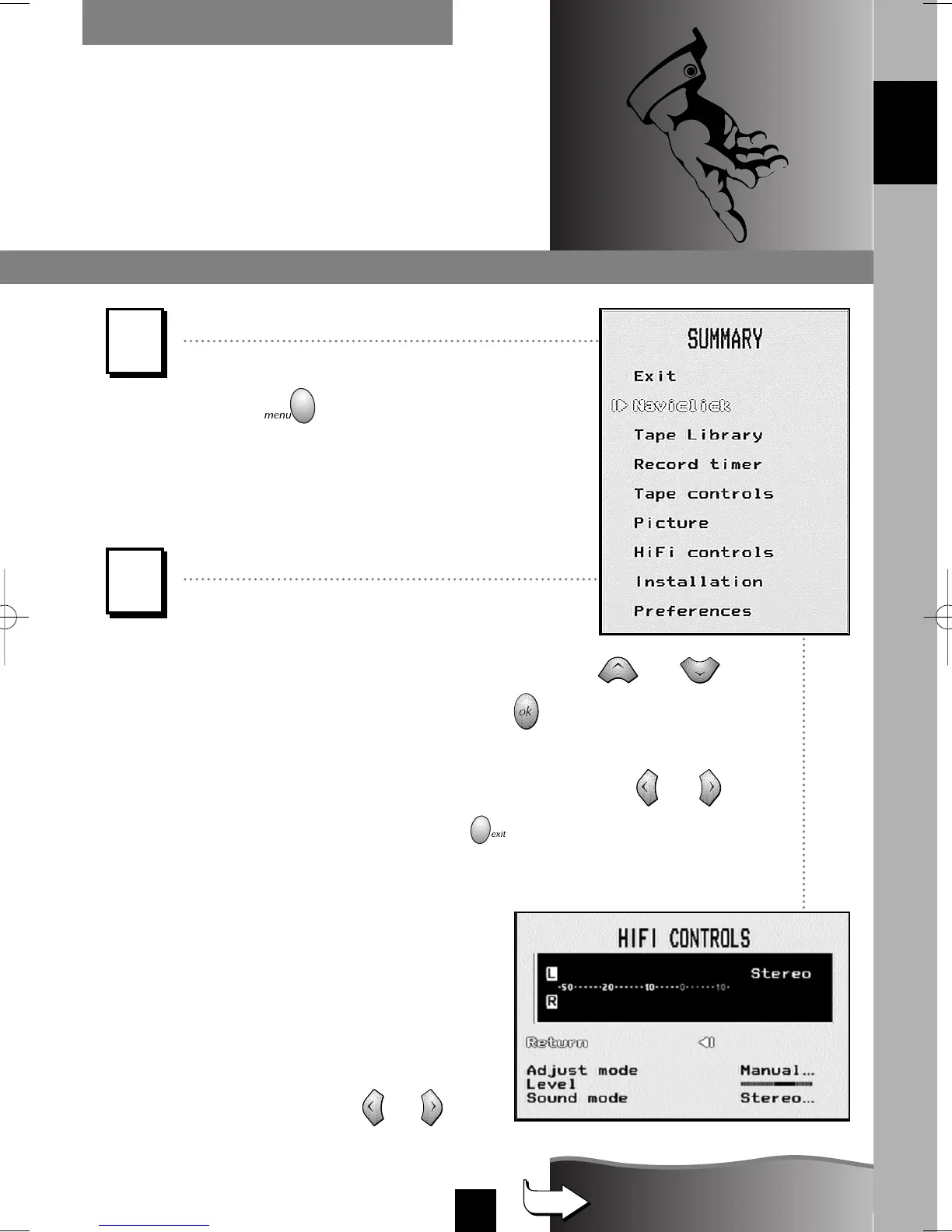
NAVIGATION PRINCIPLES
Calling up a menu
The key on the remote
control calls up the menu which
enables you to use the features
of your VCR and to adjust it.
Example: The symbols
C
or
B
displayed on the screen indicate
that an option is available. To select
an option, press key
or
.
Navigation within the menus
1 - To choose a function, select a line with or .
2 - To validate your choice, press .
3 - To make an adjustment (i.e. to select an option, increase or
decrease a given value), you must use key or .
4 - To exit a menu, press key .
Always point
the remote control
at the video recorder.
THE MENUS
1
2
ENGLISH
I-T7089PE-GB/BEI/906 20/07/99 18:14 Page 5



 To Next Page