EN
10
SORTING YOUR CHANNELS
RENAMING A CHANNEL
Set the cursor on the line Name. Scroll the channel name list with or and
use to select the channel concerned.
DELETING A STATION
When you find a channel you want to delete, set the cursor on the line Delete Pr.
and then press .
VIDEO Plus+ Guide number
OPTION: These codes are stored automatically when programming the first time
Scroll the channels, then set the cursor on VideoPlus+ no..
Display the desired character with key or , then select the next character
with key or .
SORTING YOUR CHANNELS
Example: First find the channel you want to assign N° 1.
Its current number is shown in the line
Select Pr. (example: 4).
Select the line Swap with Pr.
First press and then . Programme 4 now moves up to N° 1, while the
former N° 1 is now ranked N° 4 in the list.
The auto-installation system will store the channels in
a predefined order. This may not correspond to your
TV or to what you want. To change the station
numbers, follow the instructions on these two pages.
In the SUMMARY menu, select the option Installation and with or , select the
line Organiser. Validate with . Now set the cursor on line Select Pr. Scroll the
channels with or , or directly select a channel by entering its number (example:
for 12, enter , and ).
Sorting the satellite channels is possible only when your satellite receiver has been set
up (press to select these channels).
Select a channel first to make use of the following options
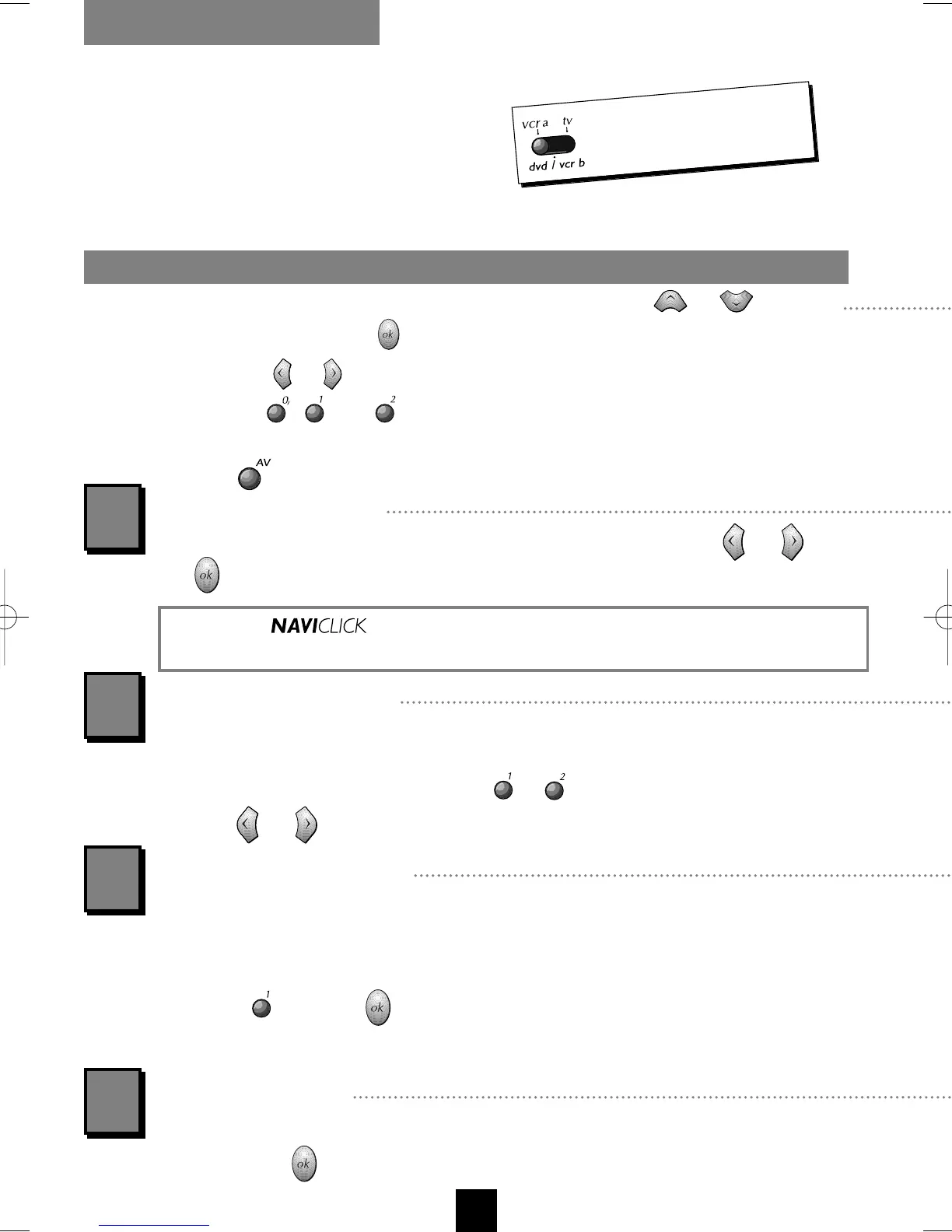
To control the video
recorder, switch
vcr a
.
1
2
3
4
Operation of depends on the name you have given your channel. Refer to the
table on the third cover page of this manual to check the names of your channels.
I-T7089PE-GB/BEI/906 20/07/99 18:14 Page 10



 To Next Page