Use
Operation
1 Turn on the equipment that you wish to listen to and adjust its volume level accordingly.
For correct operation ensure that the sound level of the source (headset plug) is sufficient.
For example adjust it to half its full volume level.With some equipment you may need to
adjust the volume on the headset plug via the configuration menu.
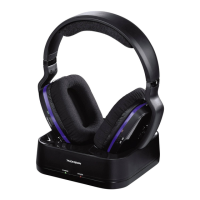
2 Turn on the transmitter (1) by pressing POWER button (2) ON.
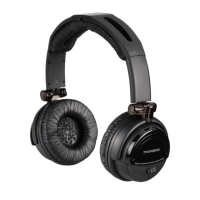
3 Turn on the headset by placing button (8) in the ON position and adjust the sound level
using the knob (7).
Signal lamps
(6) Red = headset charging
(11) Green = headset operating (ON)
Features
Transmitter : DC 12.5 V - 150 mA - (mains adapter)
Headset : 2 x 1,2 V (Rechargeable batteries AAA)
Frequency range : 40 - 12,000 Hz
Signal-to-noise ratio : 50 dB
Channel spacing : 40 dB
Range : up to 7 m
4



 To Next Page