EasyManua.ls Logo

Thrane&Thrane SAILOR 150 - User Manual

Thrane&Thrane SAILOR 150
128 pages
Print Icon
To Next Page IconTo Next Page
Loading...
USER MANUAL
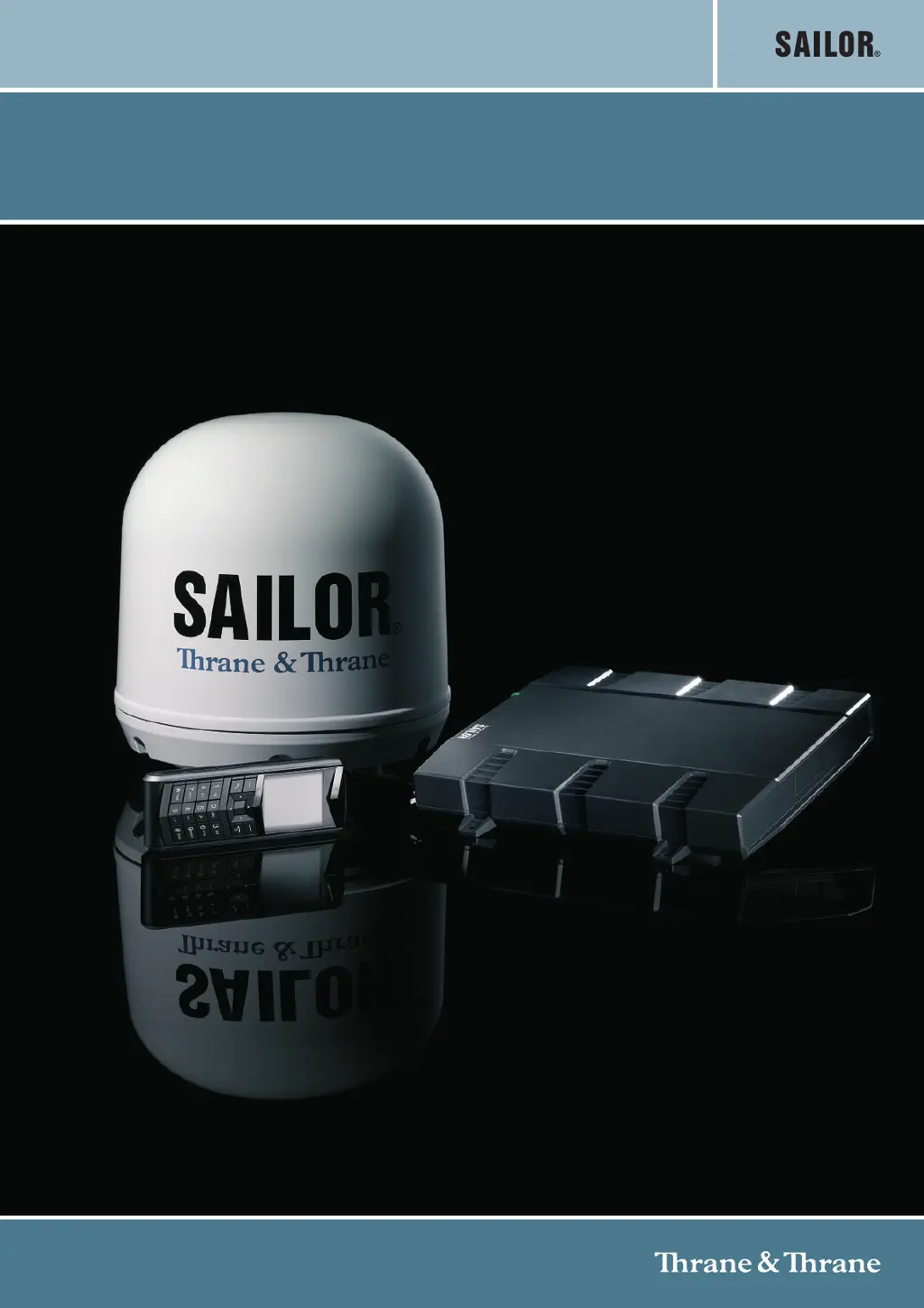
SAILOR 150 FleetBroadband

Table of Contents

Questions and Answers

  • P
    Phillip WilliamsAug 13, 2025
    How to fix no signal on Thrane&Thrane Antenna from BGAN satellite?
    • J
      Judy WelchAug 13, 2025
      If your Thrane&Thrane Antenna shows no signal or a weak signal from the BGAN satellite, it might be due to a blocked view to the satellite. Ensure the antenna has a clear view in all directions. Also, check that both ends of the antenna cable are properly connected and that no connectors are damaged. If the system is set to a specific satellite, but is outside of its coverage area, access the web interface, go to SETTINGS > Satellite selection, choose Auto, and click Apply. The system will then search for the satellite with the strongest signal and attempt to connect.
  • T
    Thomas CooperAug 17, 2025
    What to do if I can't access the Thrane&Thrane Antenna web interface?
    • B
      Breanna McbrideAug 17, 2025
      If you cannot access the web interface of your Thrane&Thrane Antenna, first ensure that your browser is not configured to use a proxy server. For Microsoft Internet Explorer, go to Tools > Internet Options > Connections > LAN Settings and uncheck 'Use a proxy server for your LAN'. Also, double-check that you have entered the correct IP address. If unsure, you can temporarily set the IP address to the default (192.168.0.1) by pressing the Reset button. Finally, close down your VPN connection, as it may interfere with accessing the web interface.
  • J
    Jamie SmithAug 20, 2025
    Why can't I establish an Internet connection with my Thrane&Thrane SAILOR 150?
    • A
      Anna HansonAug 20, 2025
      If you are unable to establish a connection to the Internet using your Thrane&Thrane Antenna, it may be because your network user group does not allow Internet access. To resolve this, the administrator needs to access the built-in web interface of the terminal and change the network user group settings.
  • K
    Kenneth WeaverAug 25, 2025
    Why are no phones ringing on incoming calls with my Thrane&Thrane Antenna?
    • A
      Anne BrownAug 26, 2025
      If no phones are ringing on incoming calls to your Thrane&Thrane Antenna, the Mute function might be activated from an external device connected to the I/O interface of the terminal. Deactivate the Mute function from the external device if it should not be active.
  • C
    Charles Sanchez Jr.Aug 28, 2025
    How to troubleshoot phone connection issues with Thrane&Thrane SAILOR 150 Antenna?
    • K
      Kelly HansenAug 28, 2025
      If you cannot establish a phone connection with your Thrane&Thrane Antenna, ensure the phone cable is properly connected. Also, verify that the cable type and connector type are correct by referring to the installation manual.
  • J
    James WattsSep 1, 2025
    What causes LAN connection issues with Thrane&Thrane Antenna?
    • M
      Mr. John PhillipsSep 1, 2025
      If you cannot establish a LAN connection with your Thrane&Thrane Antenna, ensure the cable is properly connected. If the problem persists, verify that the cable type and connector type are correct by referring to the installation manual.
  • C
    cobbjordanSep 5, 2025
    Why is my Thrane&Thrane Antenna IP handset connection not working?
    • B
      Breanna MillerSep 5, 2025
      If you are unable to establish an IP handset connection with your Thrane&Thrane Antenna, first ensure that the cable is properly connected. If the issue persists, check that there is power (PoE) in the LAN interface. The reason may be that there is not enough power to supply PoE for the LAN interface. Verify that the input voltage is within the specified range (10.5 - 32 V DC; 14 A - 5.5 A). Also, check that you do not have too many power-consuming devices connected. The maximum available output power on the LAN (PoE) interface is 32 W. If possible, disconnect other connected devices.
  • B
    Brandon WilsonSep 8, 2025
    What to do if transmission on the BGAN network is impossible with Thrane&Thrane SAILOR 150 Antenna?
    • A
      Ashley PattersonSep 9, 2025
      If no transmission on the BGAN network is possible with your Thrane&Thrane Antenna, the Radio silence function may be activated from an external device connected to the I/O interface of the terminal. If the Radio silence function should not be activated, deactivate it from the external device.

Summary

Safety Summary

Microwave Radiation Hazards

Information on hazardous microwave radiation from the antenna and minimum safety distances.

Distance to Other Equipment

Minimum safe distances to magnetic steering compass for terminal and antenna.

Chapter 1: Introduction

Features and Interfaces

Details the system's capabilities and connection interfaces.

Chapter 2: Getting Started

Terminal Startup Procedure

Instructions for powering on the terminal using the power switch or ignition system.

Chapter 3: Operating the System

Chapter 4: Using the Web Interface

Dashboard, Properties, and Status

Overview of the dashboard, viewing system properties, status, calls, and data sessions.

System Administration and Maintenance

Administering system settings, user permissions, security, logs, and troubleshooting resources.

Chapter 5: Troubleshooting

Getting Technical Support

Procedures for obtaining assistance from airtime providers or local distributors.

Troubleshooting Guide and Event Explanations

Common problems, causes, remedies, and explanations of system event codes.

Reset Button Functions

Understanding the functions of the terminal's reset button for various operations.

Thrane&Thrane SAILOR 150 Specifications

General IconGeneral
PolarizationRHCP
Power Handling50 W
VSWR< 1.5:1
Impedance50 Ω
Connector TypeTNC

Related product manuals