Changing your
settings.
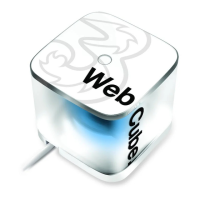
You can set-up your Web Cube
using the Settings page online.
1. Make sure your Wi-Fi settings on your
device are ‘On’.
2. Open your browser and type in
http://192.168.1.1 (or http://3.home)
in the address bar at the top.
3. Enter the username and password
and click ‘Login’. The default
username and password is ‘admin’.
To protect your device,
only allow one user to
log-in to the Settings
page at a time.
12
<224mm>
<112mm>
PANTONE Green C: For positional purposes only – Do NOT Print


 To Next Page