Help and
support.
Log-in to your Settings page and view
the Help section (see page 12).
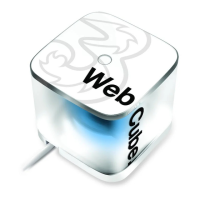
Restart the Web Cube by turning it
‘Off’ and ‘On’ again.
Restore it to factory default settings
(see page 13 for more info).
If, for some reason, you are
unable to use your Web Cube,
try the quick solutions below:
Visit Three.co.uk/support
for more information.
14
<224mm>
<112mm>
PANTONE Green C: For positional purposes only – Do NOT Print


 To Next Page