Step 1.
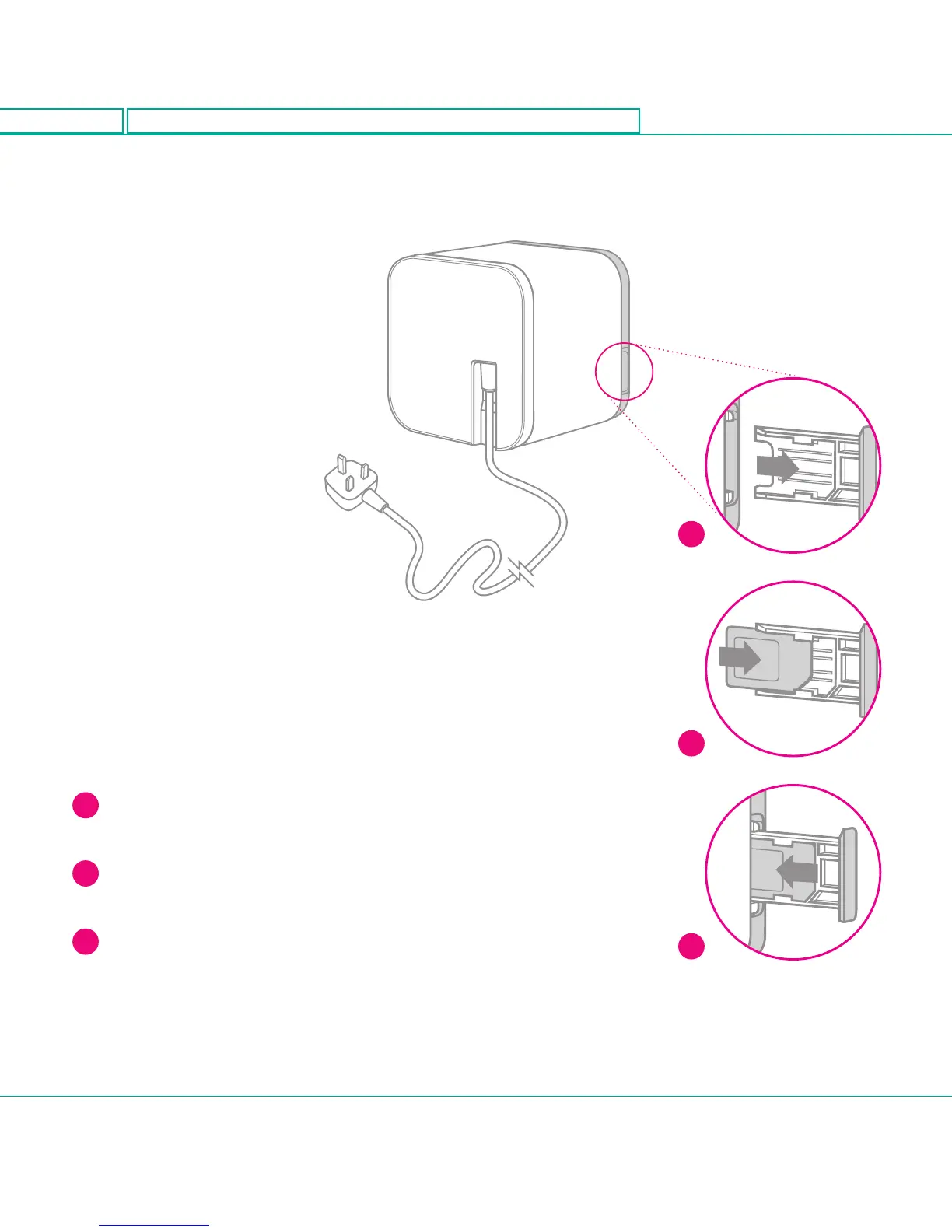
Inserting the SIM.
Make sure that the Web Cube is
unplugged from the power supply
before you insert the SIM card.
1
Push the card slot to eject the
SIM card holder.
2
Put the SIM into the card holder with
the gold contact facing upwards.
3
Push the SIM card holder back into
the slot.
1
2
3
Getting
started.
6
<224mm>
<112mm>
PANTONE Green C: For positional purposes only – Do NOT Print



 To Next Page