
 Need help?
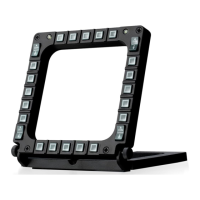
Do you have a question about the Thrustmaster MFD Cougar and is the answer not in the manual?
Procedure for detaching the MFD from its base and attaching it to external hardware.
Comprehensive guide for installing the necessary software and drivers on your PC.
Instructions for accessing the control panel and configuring MFD properties, including game controllers.
Guidance on managing multiple MFDs, including selecting MFD numbers for simultaneous use.
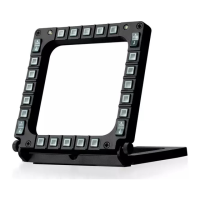
A visual guide showing the numbering and placement of all buttons on the MFD for easy reference.
Step-by-step instructions for installing flight simulator plug-ins and selecting the correct profile.
 General
| Compatibility | PC |
|---|---|
| Connectivity | USB |
| Number of MFDs | 2 |
| Backlighting | Yes |
| Buttons per MFD | 20 |
| Weight per MFD | 300 g |









 To Next Page