7
Smart Phone App Instructions
SMART PHONE APP INSTRUCTIONS
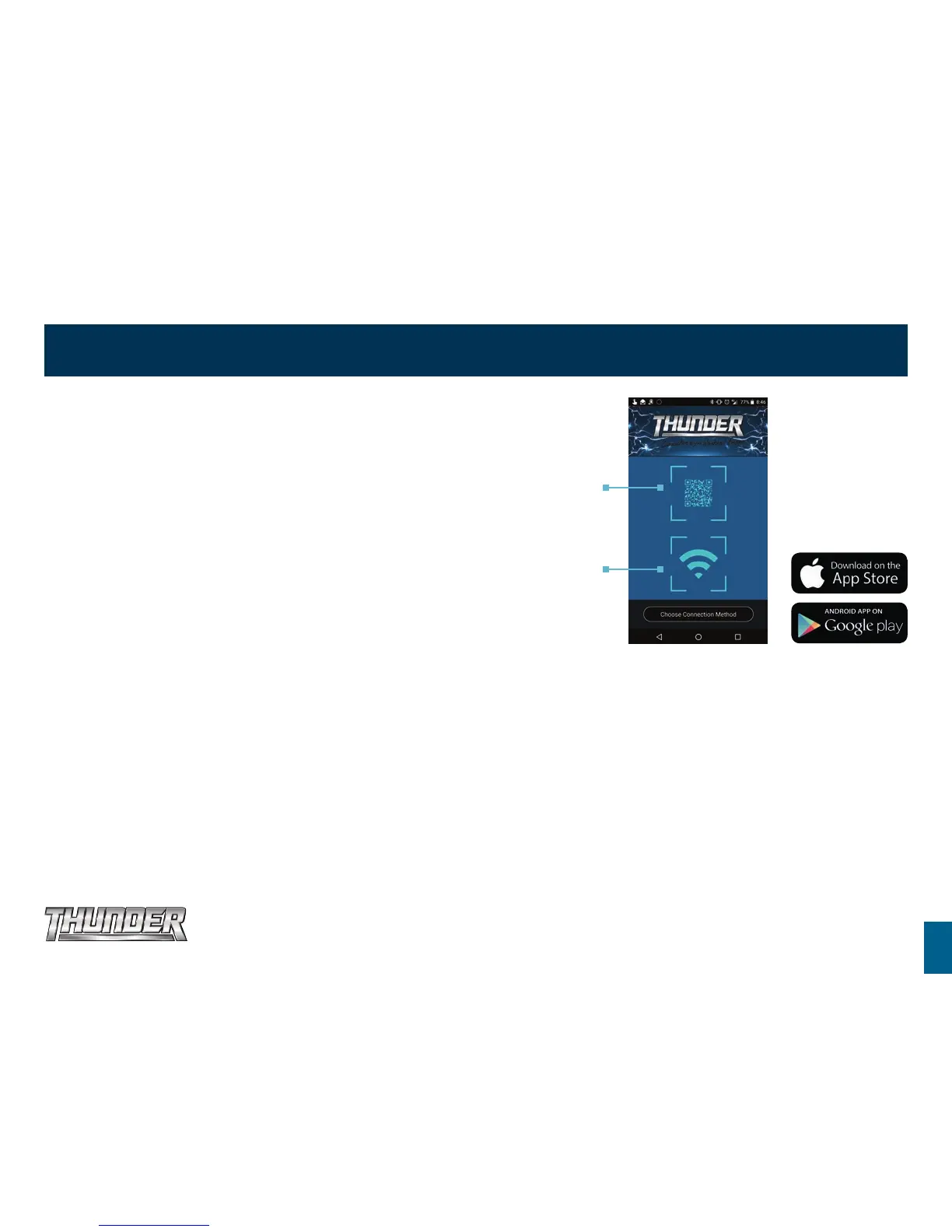
1. Download the Thunder Fridge Application from the Google Play or
Apple App store.
2. Once loaded, to connect to the fridge open the app and choose the QR code
scan option or manual Wi-Fi connection option.
3. For the scan option, find the QR code on the inside of the fridge, scan with
your phone and your Thunder Fridge is ready to go.
Now that you are linked to your Thunder Fridge, you now have the ability to:
• Easily switch between fridges.
• Adjust your Thunder Fridge’s temperature from -18°C to +10°C.
• Check current temperature.
• Choose from Celsius and Fahrenheit temperature scales.
• Turn your Thunder Fridge on and off.
• Turn Turbo modes on and off.
QR code scan
option
Manual Wi-Fi
connection
option
Download the
Thunder Fridge app


 To Next Page