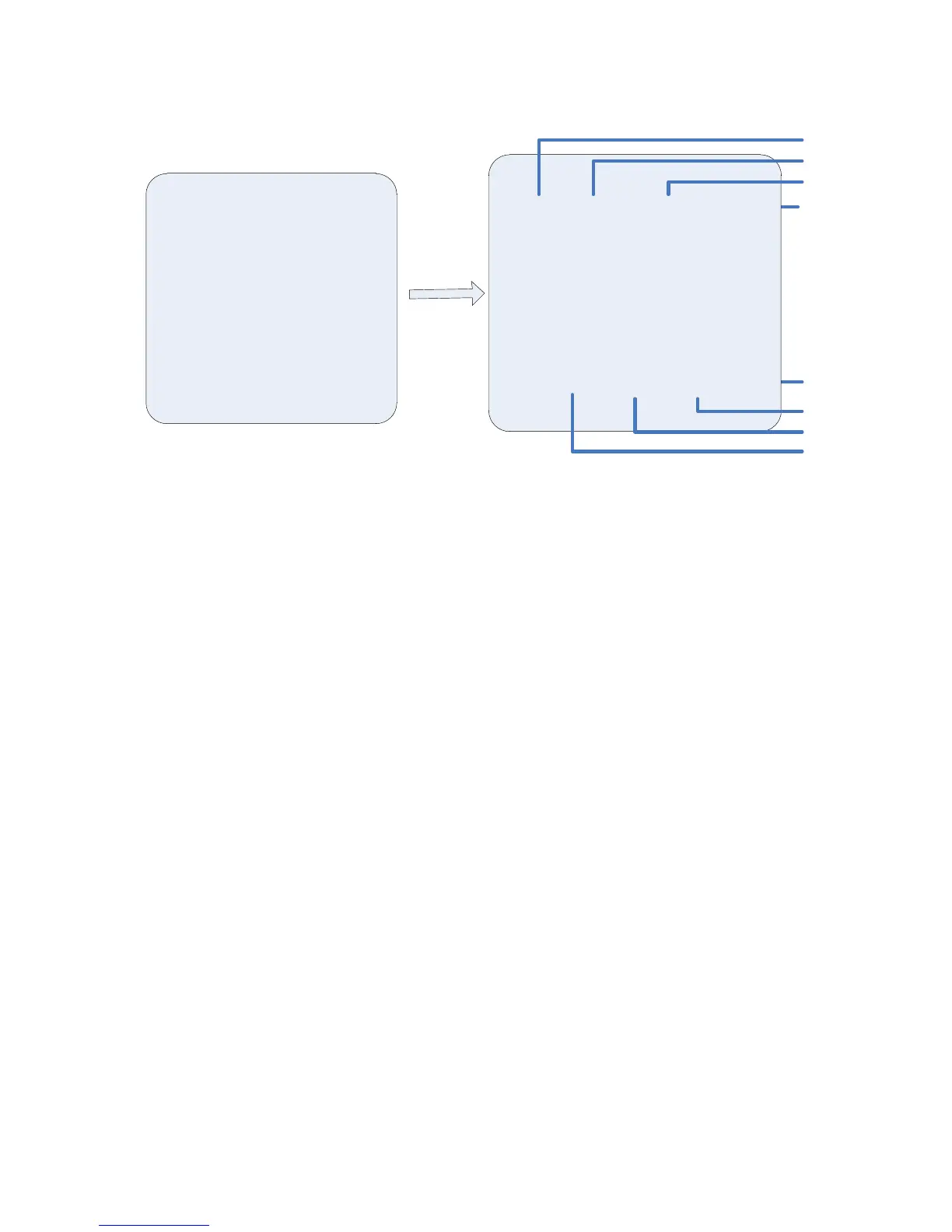
Timed run: refers to a user-specified time periods, perform pre-programmed functions,
such as preset, the cruise path path, mode, and scan.
Move the cursor to the desired setting, press IRIS open enter the time setting mode,
editing in the joystick left and right to select the desired start time, end time, linkage
function, respectively.Rocker bottom to edit the current content, press IRIS open to
confirm settings.
A1.
Timing function is divided into 7 days a week, can be set to 8 hours a day, joint action can
be set separately for each period: no action, preset, scan, 1-8, cent, mode path 1-4 the
cruise path.
B1. start time
Set current time, start time of a specified function is executed under.
C1. end time
Set during the current session, the end time of a specified function is executed under.
D1. linkage function
Sets the current function performed within the time period, can be set to: no action, preset,
scan, 1-8, cent, mode path 1-4 the cruise path.
E1: the timed run state control
Move the cursor to this bar, press IRIS open to "on/off" setting, to enable timed run to
open and close function。



 To Next Page