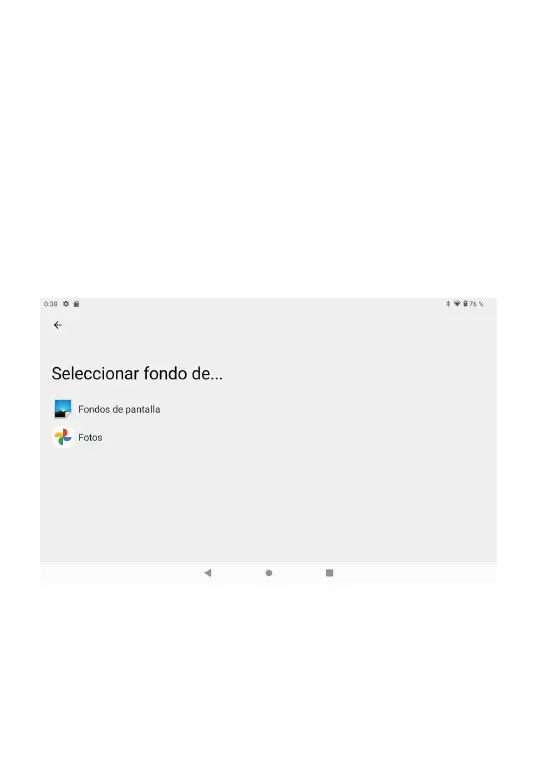
Después de que el inicio ingresará a la interfaz principal, en la interfaz principal,
puede Administrar los iconos del software de la interfaz principal:
a) mantenga presionados los iconos durante 3 segundos; después de que el icono
se haga más grande, le permite arrastrarlo a cualquier lugar de la interfaz.
b) Eliminar iconos: mantenga pulsado el icono durante 3 segundos; después,
arrastre los íconos al ícono de la Papelera de reciclaje. Una vez que se vuelva
rojo, se eliminará el icono y la aplicación.
c) Para cambiar el fondo de pantalla,Entrez "réglage "--" affichage "--" papier
peint"
5. Interfaz de operación del equipo
5.1 Interfaz principal describe
07
MANUAL NEO14_EN_FR_NL_DE.indd 70 11/03/2020 16:00:56
.
CONTACT INFORMATION
alllinkluck@outlook.com
www.tibutapad.com
Designed by Tibuta,Assembled in PRC
UK AR
Company: UK CROSSBORDER LIMITED
Address: 7 Bell Yard London WC2A 2JR,UK
Mail: uk-crossborder@outlook.com
22-EN



 To Next Page