After startup will enter the main interface, In the main interface, you can
Management the main interface software icons by:
a) long press the icons for 3 seconds; after the icon will get bigger, allowing
you to drag it anywhere in the interface.
b) Delete icons: long press the icon for 3 seconds; after, drag the icons to the
Recycle Bin icon. Once it becomes red, Let go of the icon and app will be
deleted.
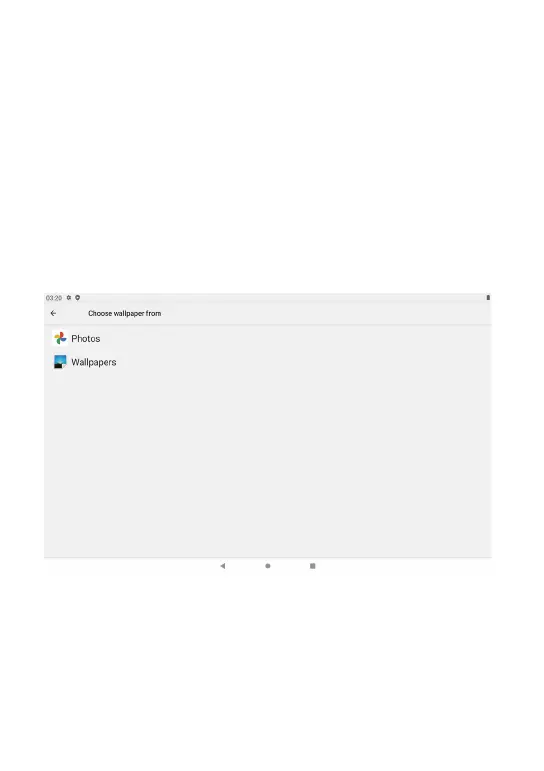
c) To change wallpaper,Please enter “Settings” > “Display” > “Wallpapers ”
5.1 Main interface describe
5. Equipment operation interface
06



 To Next Page