Before first use, please charge the device's battery to 100%.
The first two times charging please keep it charging for about 6 hours,
after that you just need leave it charging 4 hours or until fully charged.
Attention: This tablet uses Built-in type polymer battery, Charge must be to choose
standard adaptor(Adaptor: power supply: DC 5V 2A, adaptor technical data: input
AC100-240V,50/60Hz, DC5V 2A)
4.1 Battery management and charge
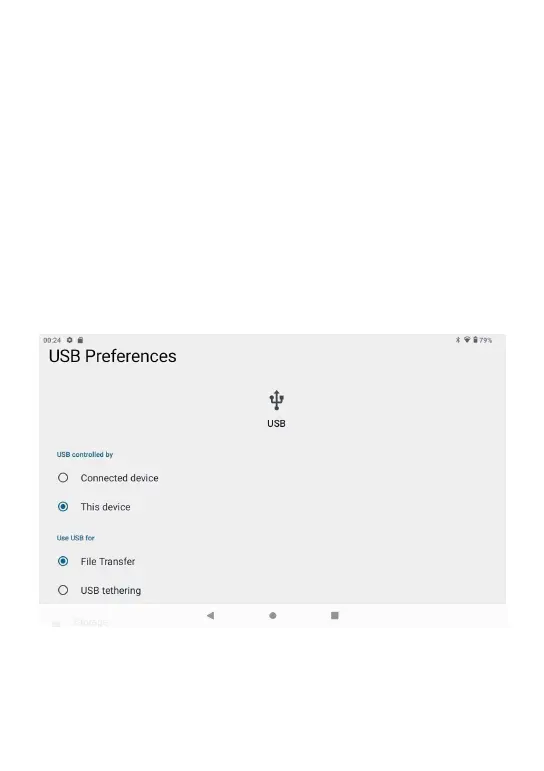
Use USB cable to connect the PC. First turn on the device; next, click USB
connection window on the notification bar; lastly, turn on Transfer Files to connect to
PC
4.2 Connection with PC
Into the load mode, you can copy; delete the file on the device and the file on the memory card.
4. First use
05



 To Next Page