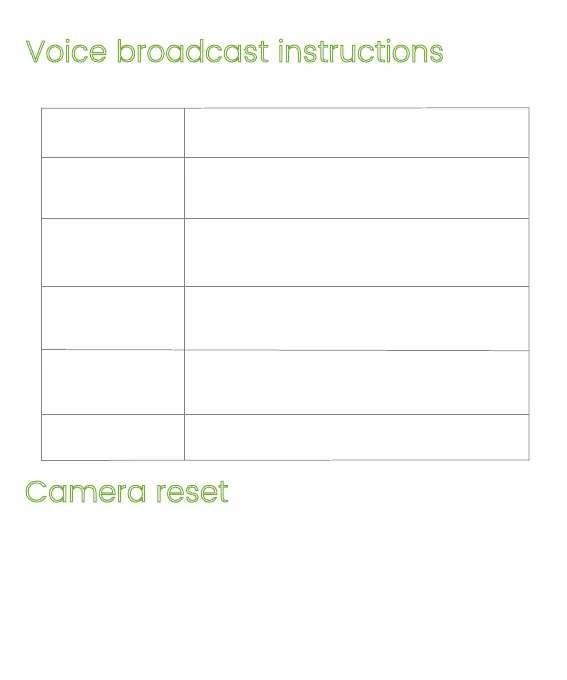
Voice broadcast instructions
Camera reset
Identify broadcast ding~
The reset is complete, the device is
about to restart
Reset failed, please reset after connec
ting to the Internet or delete the device
on the APP
Network connection is successful, please
open the APP to add a device
Normal reset
Voice broadcast
Normal start
Device status
Abnormal reset
Alarm broadcast
QR code network
configuration
Alarm sound
When the camera is powered on, press and hold the reset
button for 3-5 seconds until you hear a voice prompt and
a prompt sound of "reset is complete, the device will be
restarted soon, that is the reset is successful.


 To Next Page