6
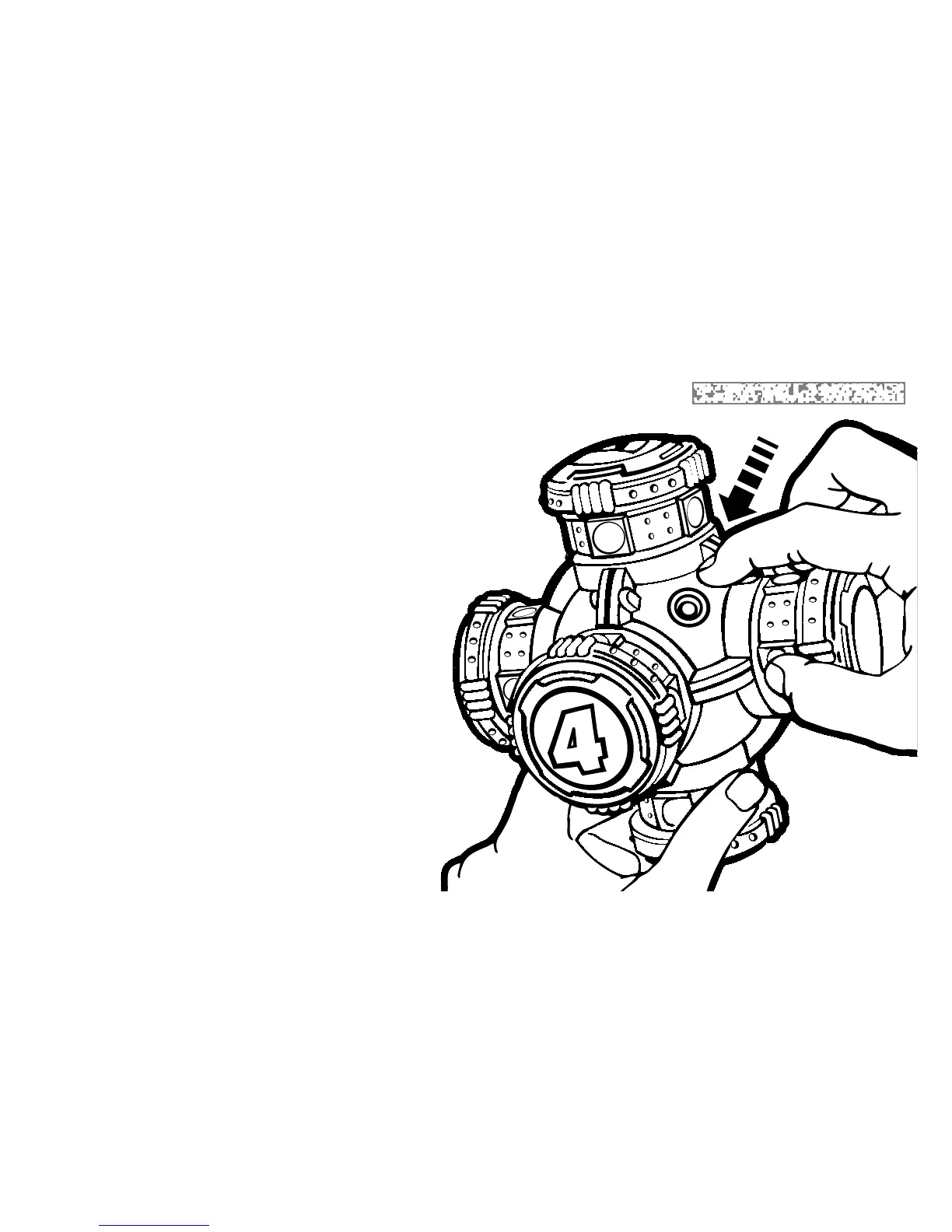
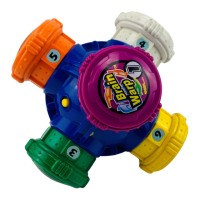
FUNCTIONS OF START/SELECT BUTTON
1. To turn on the unit.
2. To confirm game selection.
3. To confirm number of players.
4. To begin each player’s turn in each round of
play.
5. To “fast start” (repeat) the same game over
again with the same number of players. (Press
button right after BRAIN WARP says,
“This game is finished” but before it
says: “Want to warp again?”)
6. To repeat your final scores, press the
START/SELECT button within 5
seconds after final scores are
announced.
7. To shut off the game at any time.
(Press and hold the button for 5 seconds
until BRAIN WARP says: “This game is
finished.”)



 To Next Page