17
INITIAL SCREEN
Procedure:
1. Press ON the turn diary on.
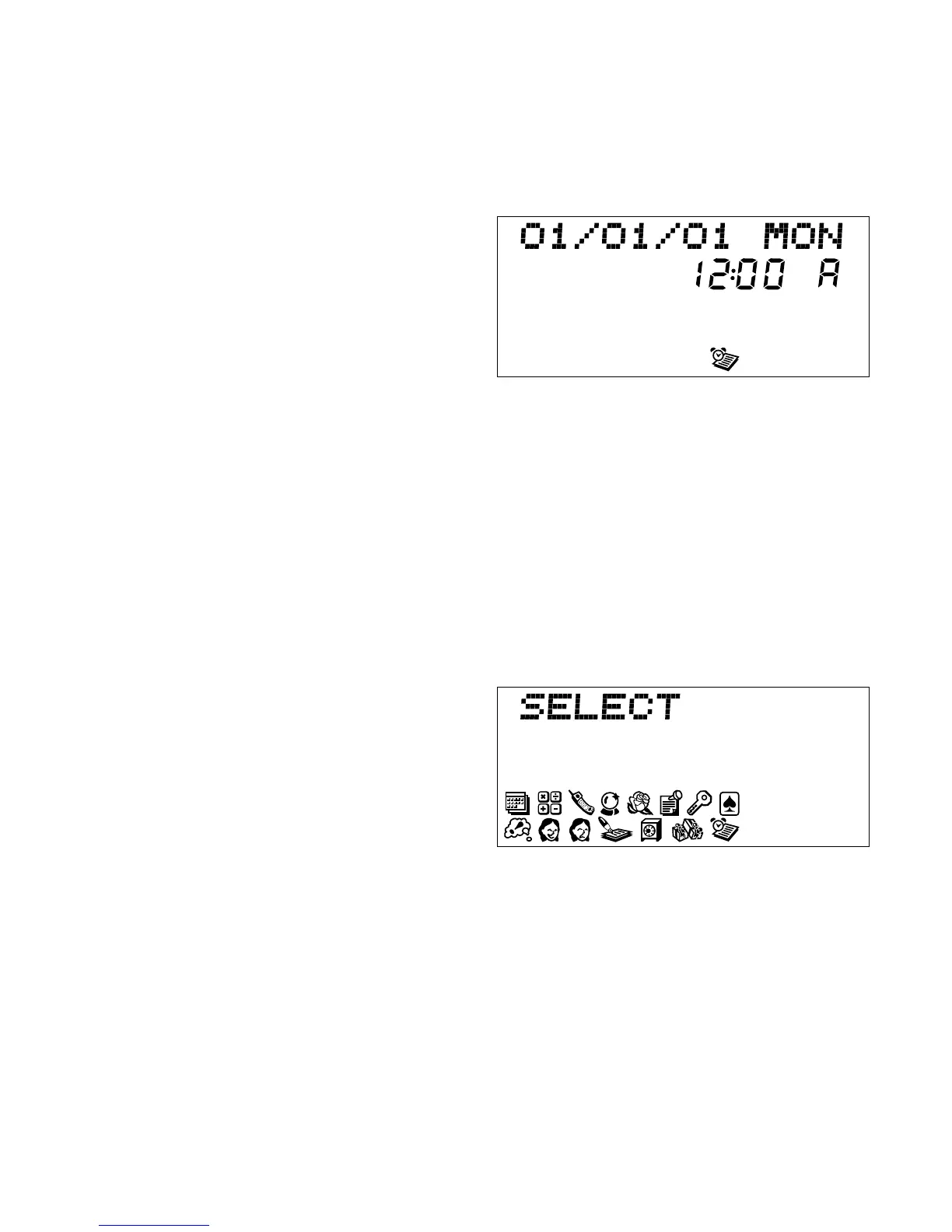
2. The initial screen displays:
3. If day, date and time are correct, go to step 6. To set the day, date and
time, go to step 4.
4. If the time has not been set, the display shows 1/01/01 MON 12:00
A and the clock symbol. The clock starts automatically.
5. If the initial screen is incorrect, press EDIT and follow the procedures
for editing date and time.
6. When initial screen is correct,
press ENTER. The Menu screen
will appear.
7. One of the 14 icons is blinking. You can go directly to that mode by
pressing ENTER, or you can select a different icon by using the
ARROW KEYS. The blinking icon shows the file you select.



 To Next Page