HOROSCOPE
The HOROSCOPE file predicts luck and fortune for you or your
friends for any date.
Procedure:
1. Press ON and ENTER (or press QUIT once or twice if you are using
another file) to access the Menu.
2. Use ARROW KEYS to select the
horoscope icon. Press ENTER.
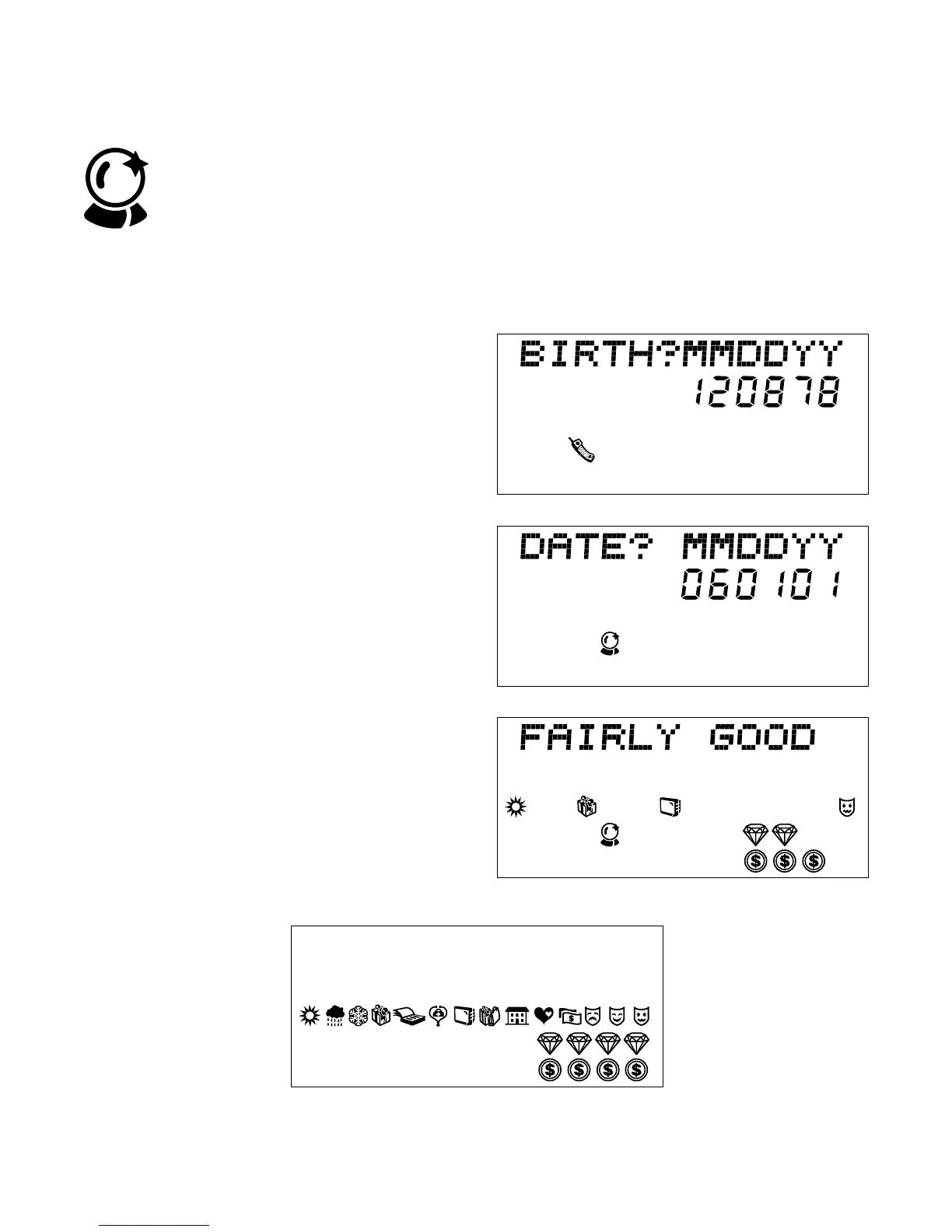
3. The screen will prompt BIRTH?
MMDDYY.
4. Type your birth date. Example:
120990 is for December 9,
1990. Instead of your birth date,
you can type a friend’s birth date.
Press ENTER.
5. The next screen prompts you to
key in a past, present or future
date for which you want a
horoscope. Press ENTER.
6. The screen will display a
horoscope consisting of words and
symbols.
7. Following are the different
message and meanings of
symbols.
24



 To Next Page