PHONE/ADDRESS
The PHONE/ADDRESS is where you put the names, phone
numbers, addresses and birth dates of up to 45 of your favorite
people. This file may be locked, and can only be opened with your
secret password.
Procedure:
1. Press ON and ENTER (or press QUIT once or twice if you are using
another file) to access the Menu.
2. Use ARROW KEYS to select PHONE/ADDRESS icon.
IMPORTANT NOTE: If the password feature is on, you will be prompted
to key in the password. See page 28.
NOTE: To view names/addresses/phone numbers, use and ARROW
KEYS to read the file, or key in the name and press SEARCH.
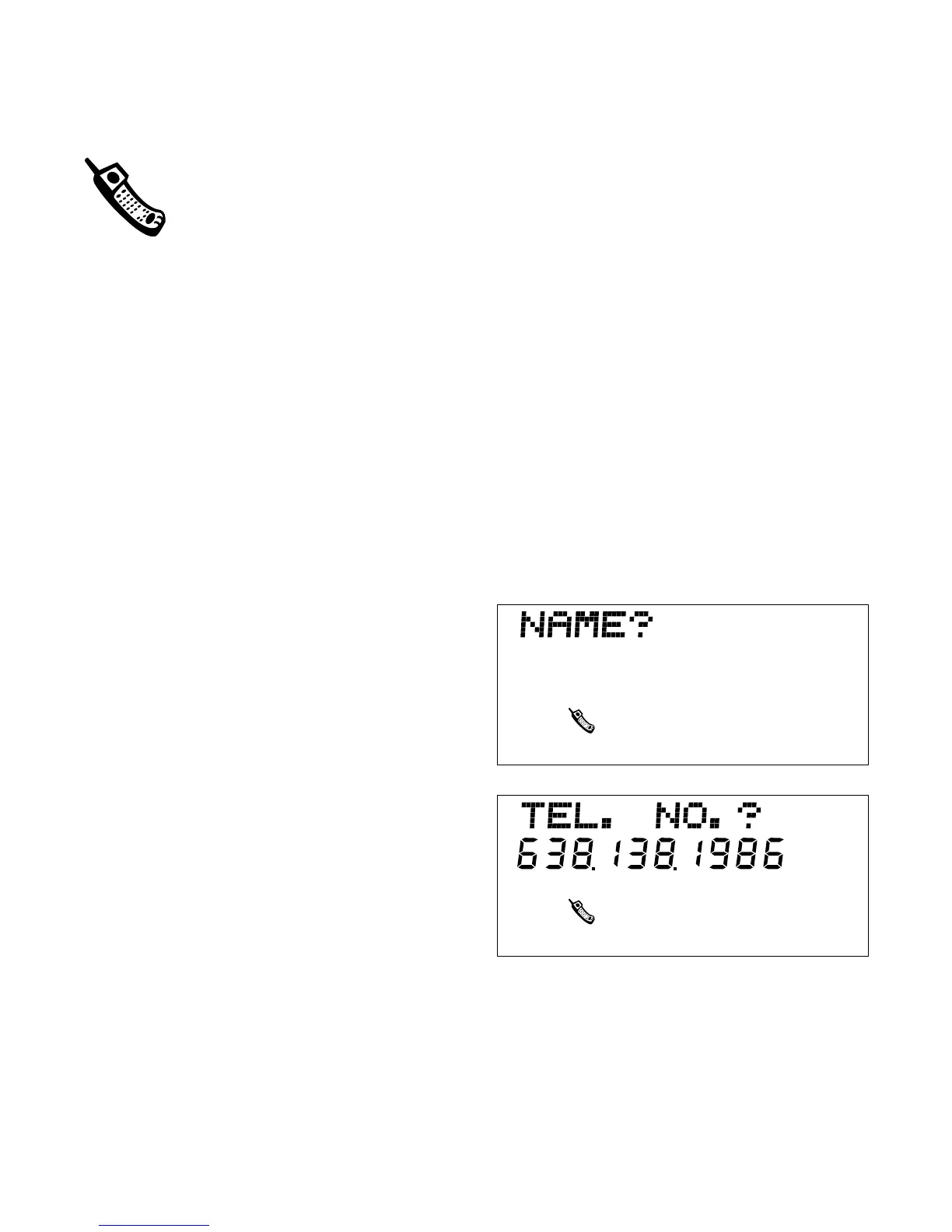
3. NAME? Appears on screen.
Type the name of your friend (up
to 15 letters). Press ENTER.
4. TEL NO.? prompt appears.
5. Type your friend’s phone number
(12 digits maximum). Press
ENTER.
Example: Press 312.555.5555
to store area code (312) phone
number 555-5555.
22



 To Next Page