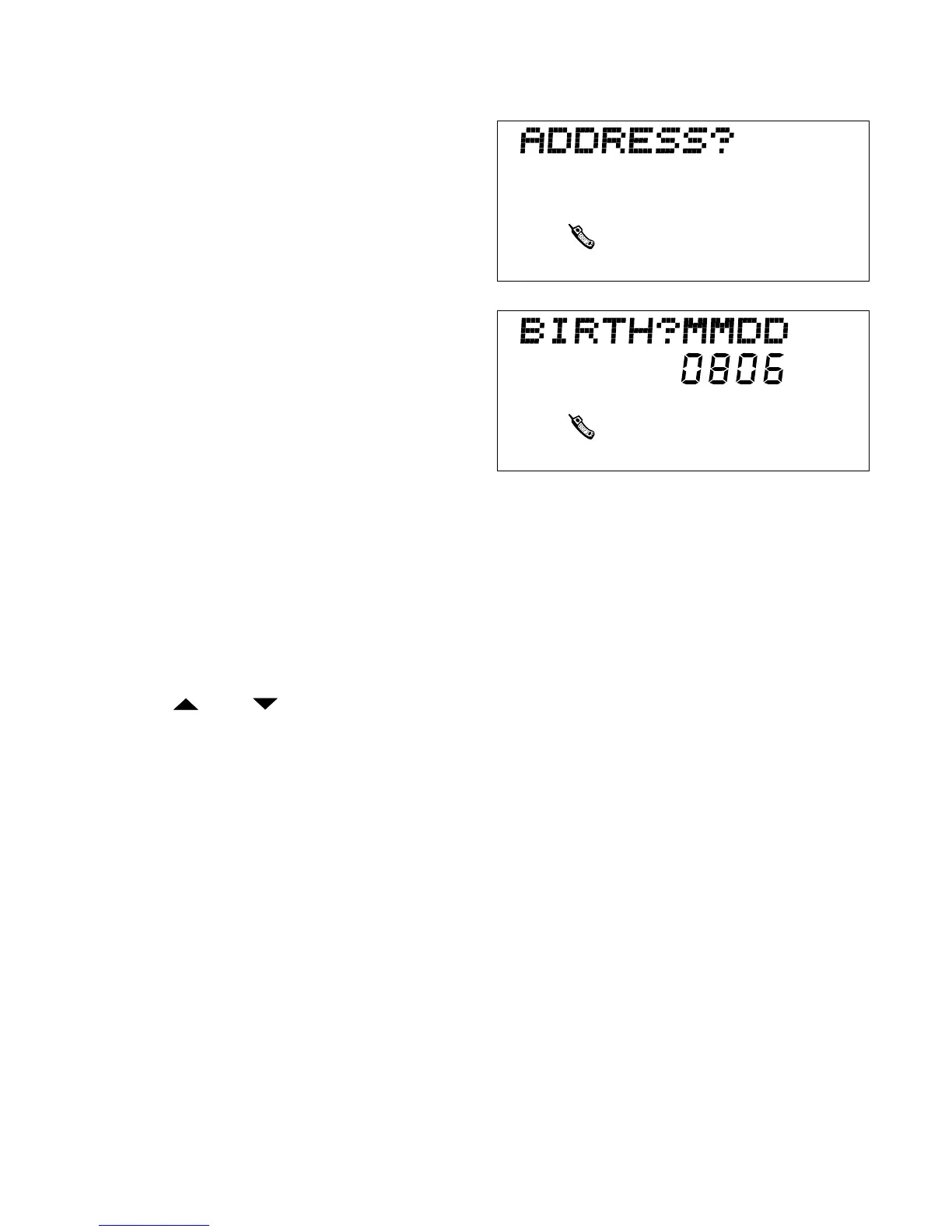
6. ADDRESS? prompt appears. Type
your friend’s address (up to 40
characters). Press ENTER.
7. BIRTH? MMDD prompt
appears. Type your friend’s birth
date MMDD (2 digits for month
and 2 digits for day).
8. Example: Press 0806 for
August 6.
Press ENTER. All data is saves
in memory. NAME? prompt appears on screen again, and you can
store another friend’s information. You can store up to 50 friends.
9. Secrets? Type in secrets that you and your friend share (up to 24
characters). Press ENTER.
10. Hobby? Type in your friend’s hobbies (up to 15 characters). Press
ENTER.
11. Use and ARROW KEYS to review names and address.
12. Press EDIT to change the file; see page 14.
13. To erase a name/address/phone number, select the entry and press
DELETE.
14. Press QUIT to return to the NAME? screen. Press QUIT twice to
return to Menu.
NOTE: Press QUIT once or twice at any time to return to Menu.
23



 To Next Page