19
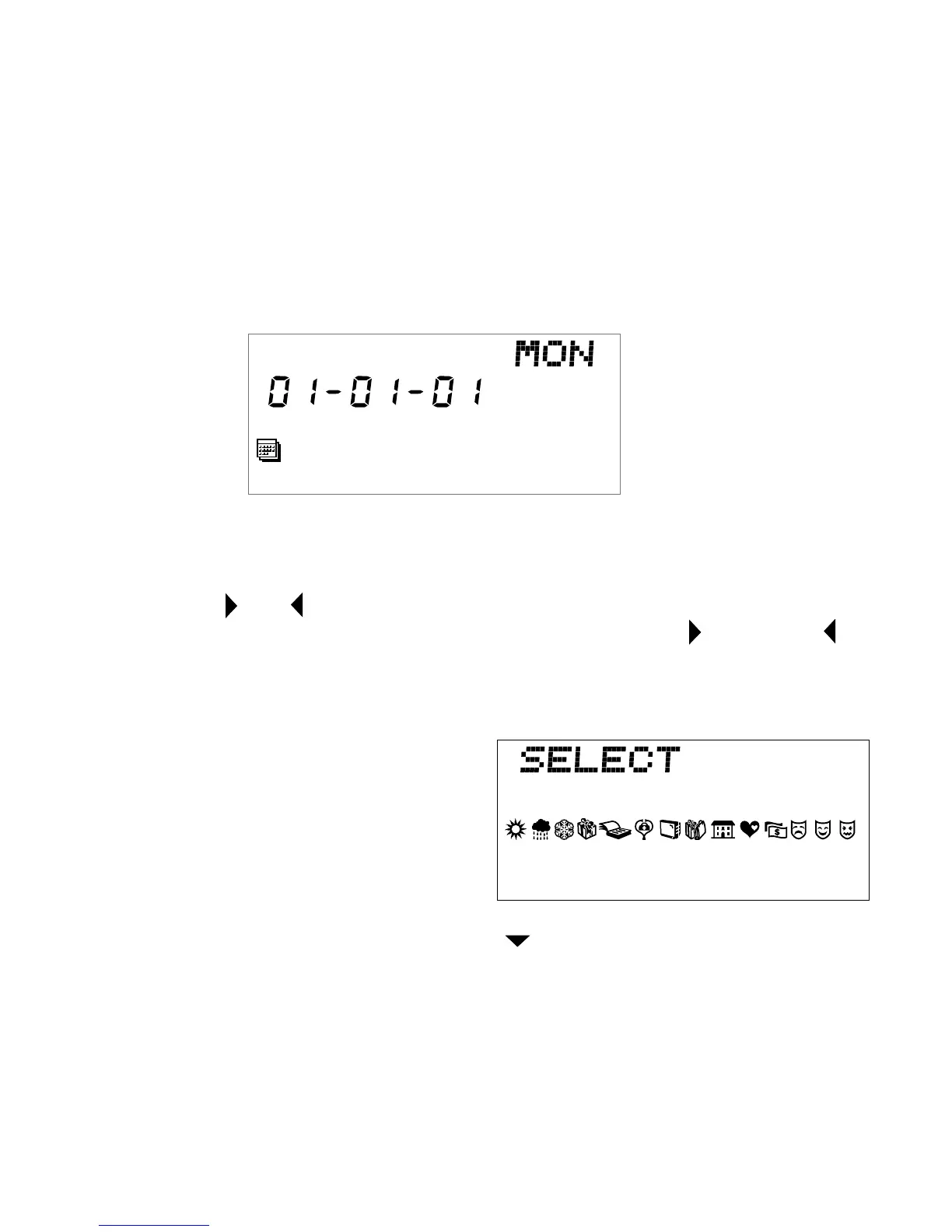
6. Select today’s screen. *** does not appear; no message is stored.
a) Press ENTER twice to start inputting a message.
IMPORTANT NOTE: If the password feature is on, you will be
prompted to key in the password. See page 28. Key in your secret
password. Press ENTER. The following screen appears. Repeat
step 5.
b) Press character (letter, number) keys to enter a message).
c) Press ENTER to store message.
NOTE: and arrowheads appear at either end of a message to
indicate part of the message is off the screen. Use (right) and
(left) keys to scroll back and forth through message.
d) Press SYMBOL; symbols appear on screen.
e) Use direction keys to select a
symbol. Press ENTER to add
the symbol to your message.
Press SYMBOL again to re-
enter your message. Up to four
symbols can be added to each
message.
f) To store another message, press and enter your message.
g) To edit a message, see page 14.
h) To delete a message, press DELETE.
i) To exit the message, press QUIT. The previous day’s screen appears.
j) Press QUIT again to return to Menu.



 To Next Page