16
Command Type
Save Position: Save the current position.
Go to Position: Press OK button to move the dish to the stored position.
Go to Reference: Press OK button to move the dish to reference 0 position.
Go to X.X (9.9): If you use USALS and select the Motor Mode to USALS,
here one more option you can move the dish to exact position of the
satellite.
Note: Before you use USALS, you should go to Main Menu
System
Setting
USALS Setup to set you local position firstly.
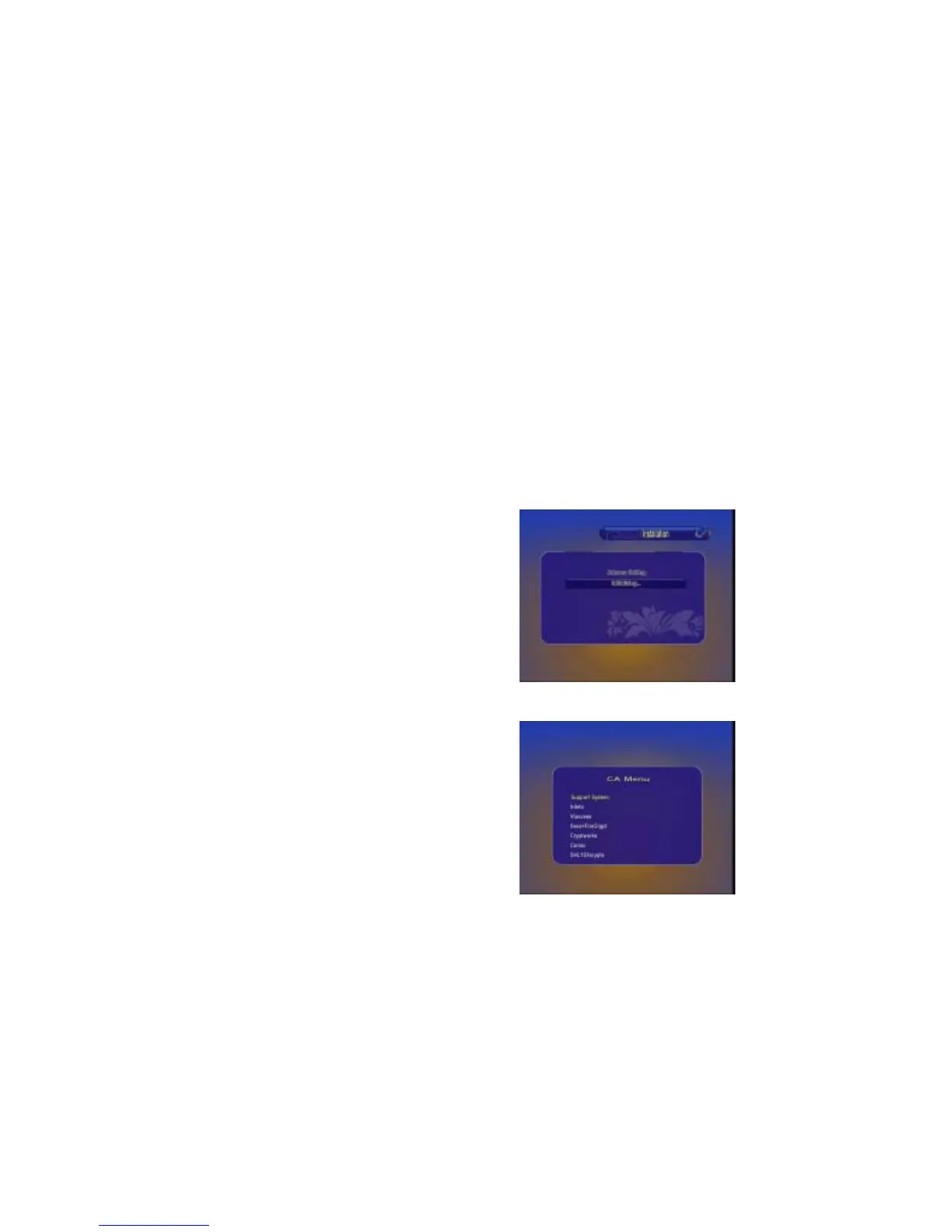
4.1. 2 CA Menu
This message will appear after you insert the
CA Card.
CA Menu
THis menu will display detail information
about the CA Card.


 To Next Page