22
4.5. Other Useful Information
This will guide you on how to use general info while watching TV program or
listening Radio program.
SAT
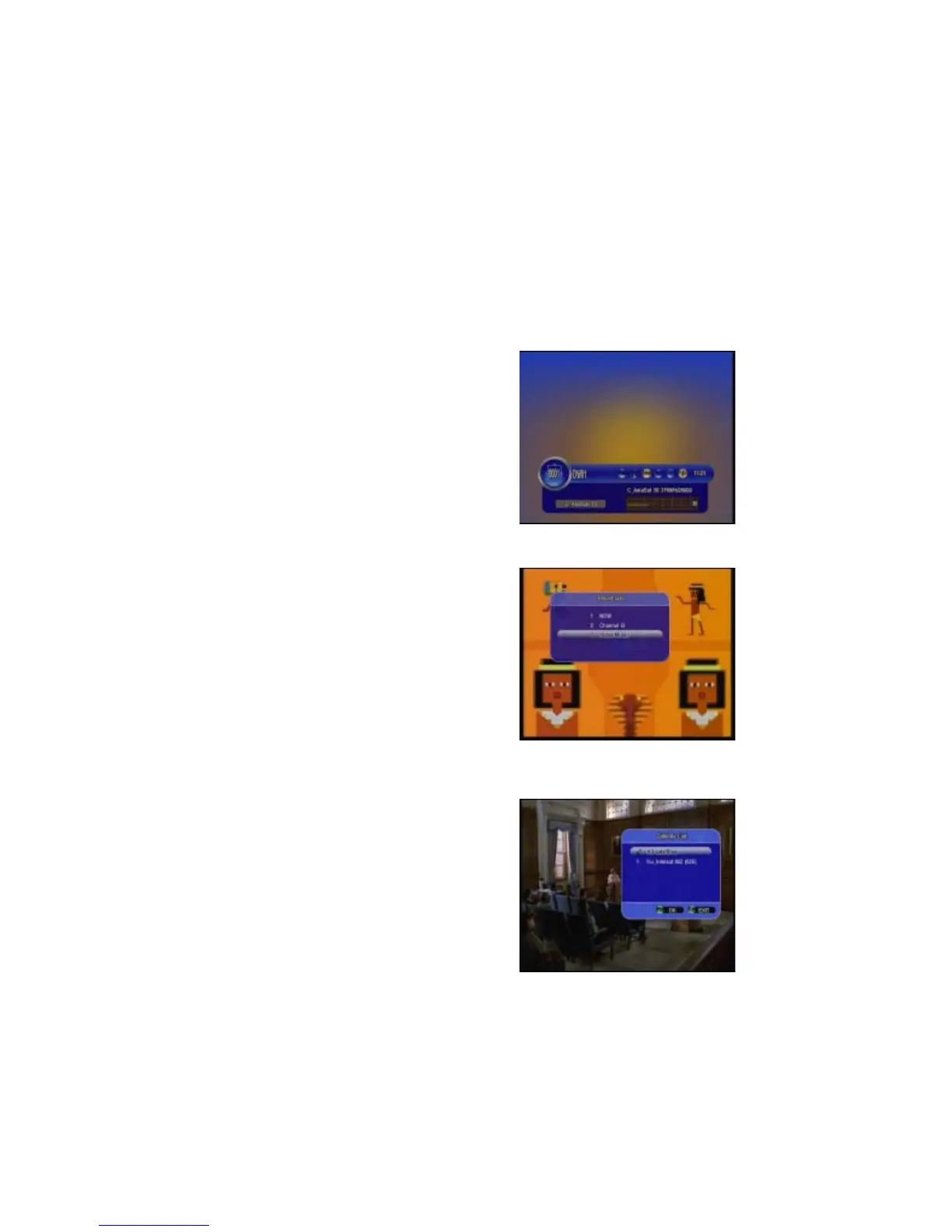
Press SAT button on the remote control, you
will get this menu which contains the satel-
lites you searched and stored, select one
satellite and press OK, all channels will be
listed under that satellite you selected.
TV/RADIO:
To Switch between TV and Radio.
RECALL:
Press Recall button you will get the viewing
history of last 16.


 To Next Page