23
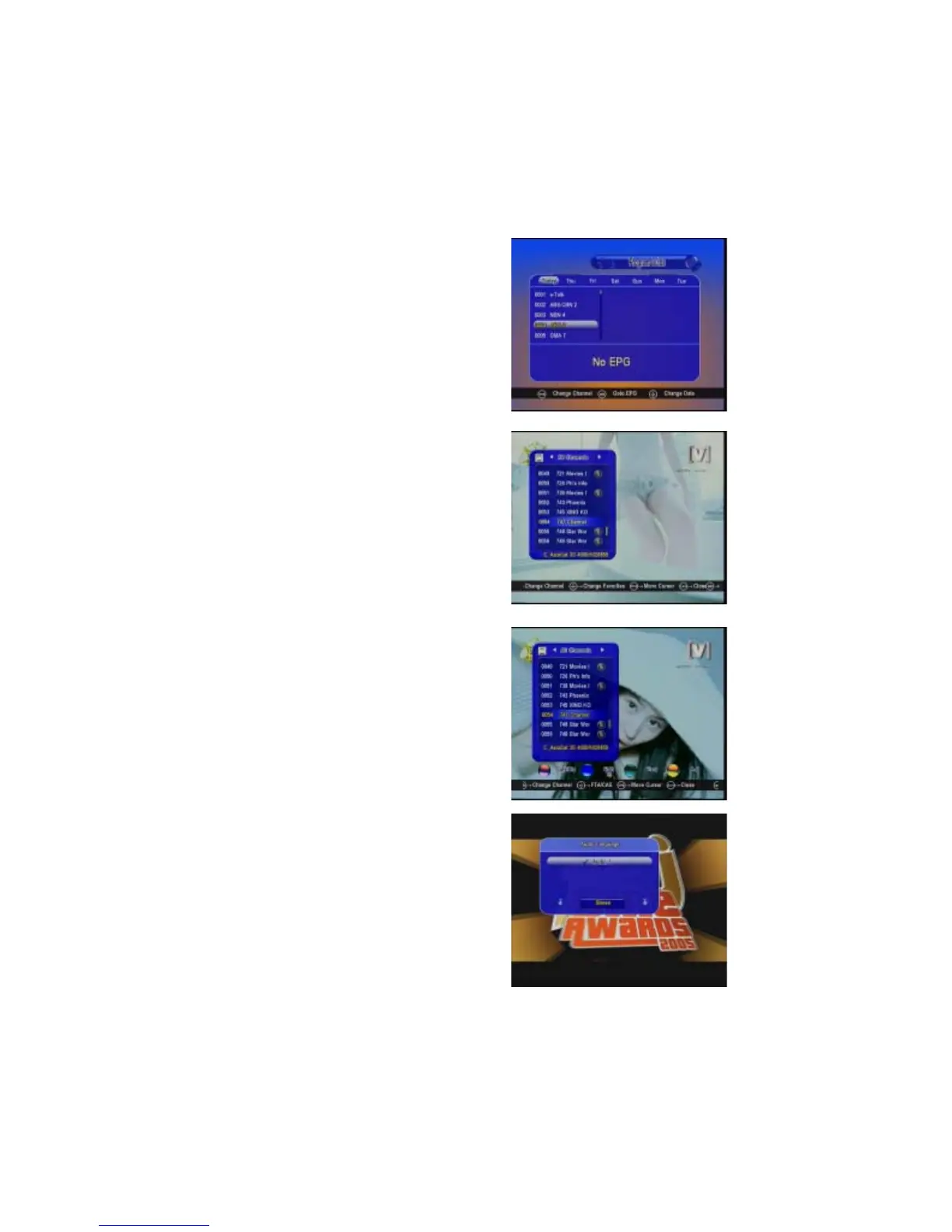
Channel List-OK
In viewing mode press OK button and you will
get this window. Press Red, Green, Yellow
and Blue button to select different category.
EPG:
Press EPG button on remote control, you
can get the electronic program guide of
seven days if available.
FAV:
In viewing mode, you can get the favorite
channel group by pressing FAV, press Red
button to change category
AUDIO:
In viewing mode press AUDIO button and you
will get a menu, you can set the Audio mode
here and change the audio mode, Stereo,
Left, Right.


 To Next Page