17
4.2. Channel Manager
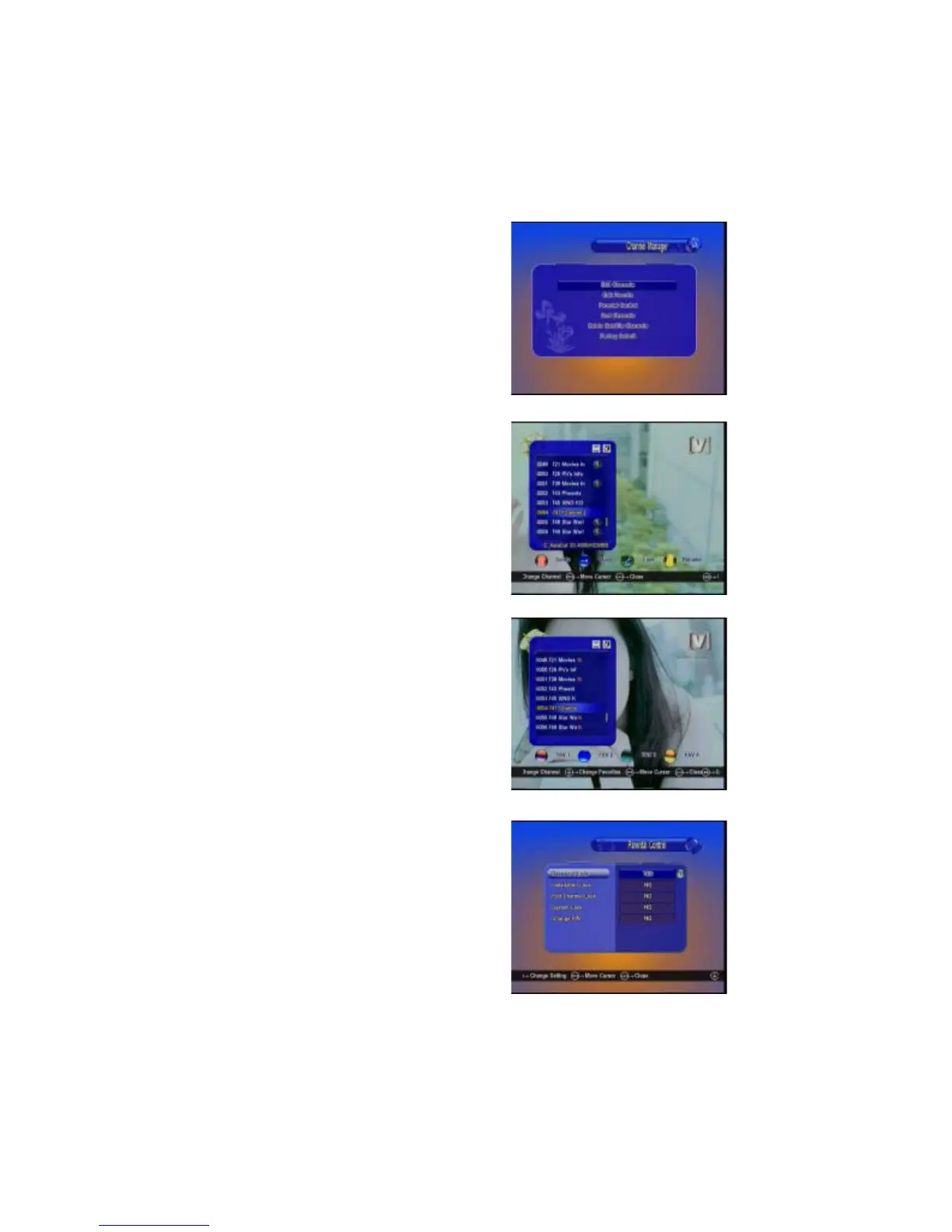
Press Channel Manager in the main
menu, you will get this window, here you
can edit TV channels and Radio channels,
sort channels and upgrade channels via
SDX.
A: Edit Channels
Select Edit channel, you will go to the
channel edit menu. Here you can Delete,
Move, Rename or Lock the channels.
B: Edit Favorite
Enter Edit Favorites Menu, you can set 8
group favorites. You can scroll the favorites
group by W / X key, and you can set the
favorite by select the Red/Green/Yellow/
Blue key.
C: Parental Control
Here to setup your password easy to
remember, if you forget this password, please
contact with your dealer for assistance. Also
you can select some menu entrance to be
locked by password.


 To Next Page