5
2. Basic Function
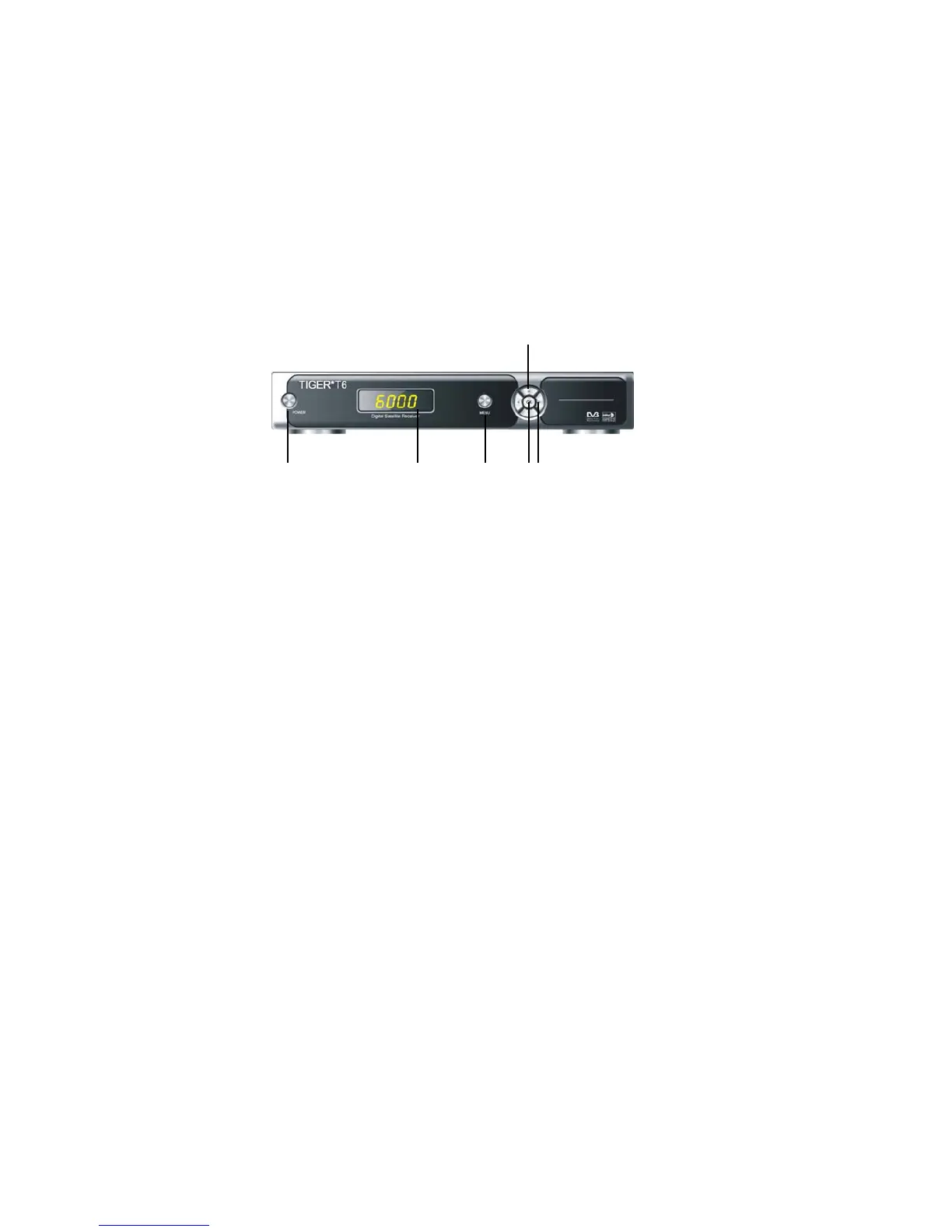
2.1 Front Panel
Figure 2. Front Panel
13264
5
1. Power Button
The POWER button is used to turn the power on or to make it on Standby
Mode.
2. MENU Button
Activate the main menu in viewing mode, or exit all menu.
3. OK Button
Activate the highlighted sub menu in menu mode and activate the channel list
in viewing mode.
4. S/T Button
Change channel in viewing mode and move the cursor up/down in menu mode.
5. W/XButton
Increase / decrease the volume in viewing mode and change settings in menu
mode
6. Display (4-digi 7-segment)
4-digi displays channel information. In Standby mode the 7-segment displays
local time.


 To Next Page