25
TTX:
Show the teletext content if teletextis
transmitted.
F3:
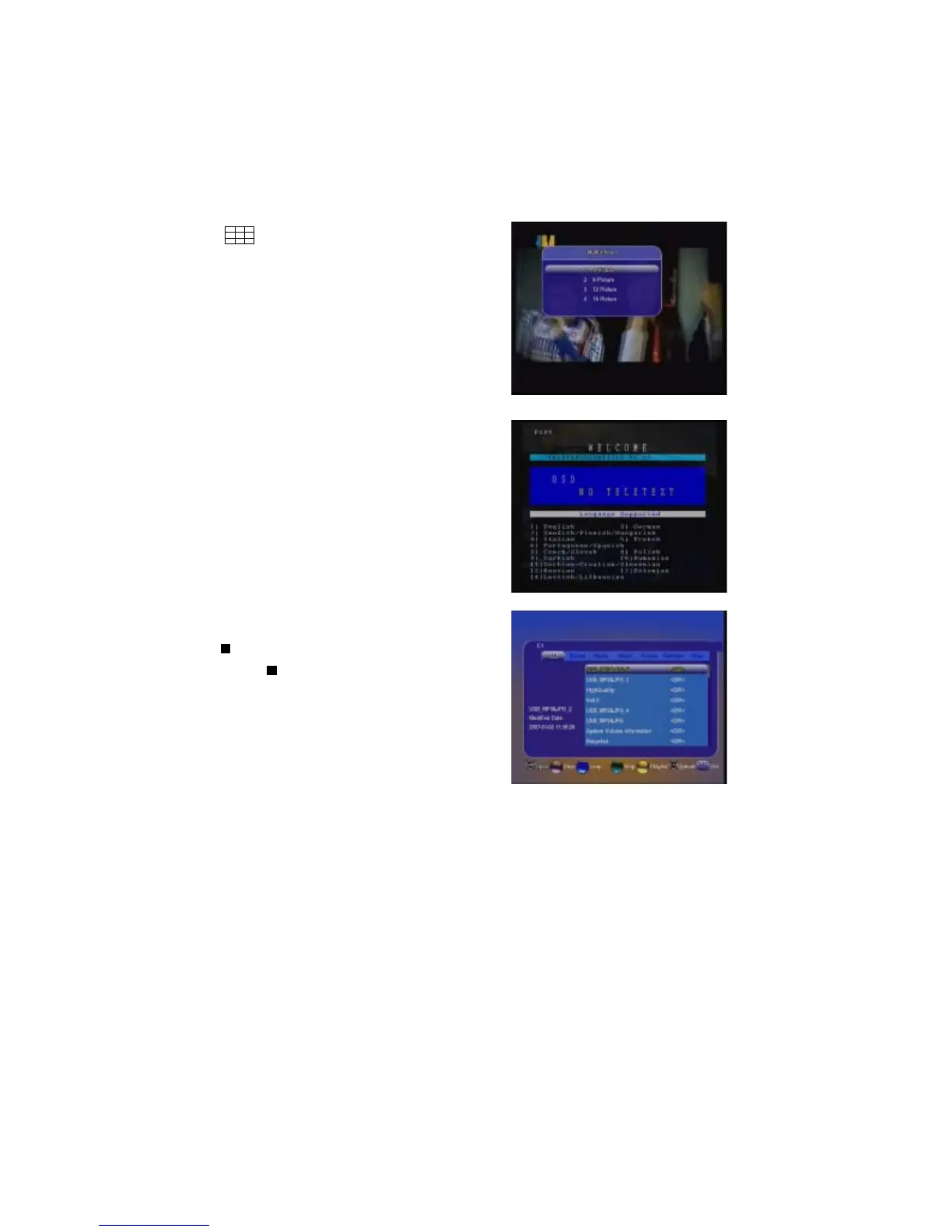
In viewing mode ,press F3 you will get the
multi picture selection ,select one and press
ok ,multi picture will be displayed. Move S/
T
, W / X to select channel,press F3 again
to get that selected channelpop out and it
is living ,press OK to display it in full screen
or exit to select other channel.
/USB:
Press “ /USB” key to enter USB menu.
The current directory path display on the top
part of the menu. The default file list is com-
posed of all files and subfolders in the current
path.
All supported files can be opened by pressing “OK” key, and these files such as *.
mp3, *.jpg, *.bmp, *.dat, *.mpg, *.gts can also be opened by pressing “ X” key.
1) Press W / X key to switch to a specific file list of the current folder
2) Press OK / X key to play the selected file


 To Next Page