27
D : Play MP3
OK : Play the selected file in play list
X : Play the selected file in play list / Resume playing file
/USB : Stop playing file
WW : Play the previous item
XX
: Play the next item
/ PAUSE : Pause
W / X : Adjust volume
EXIT : Exit playing state and return to file list menu
E : Download Software/Database
1) Press W / X key to switch to “Software” file list of the current folder
2) Press OK key to open and download the selected file
F : Upload Database
In file list menu, press “FAV” key to start to upload database
G: Delete file
In file list menu, press “SAT” key can delete non-system file
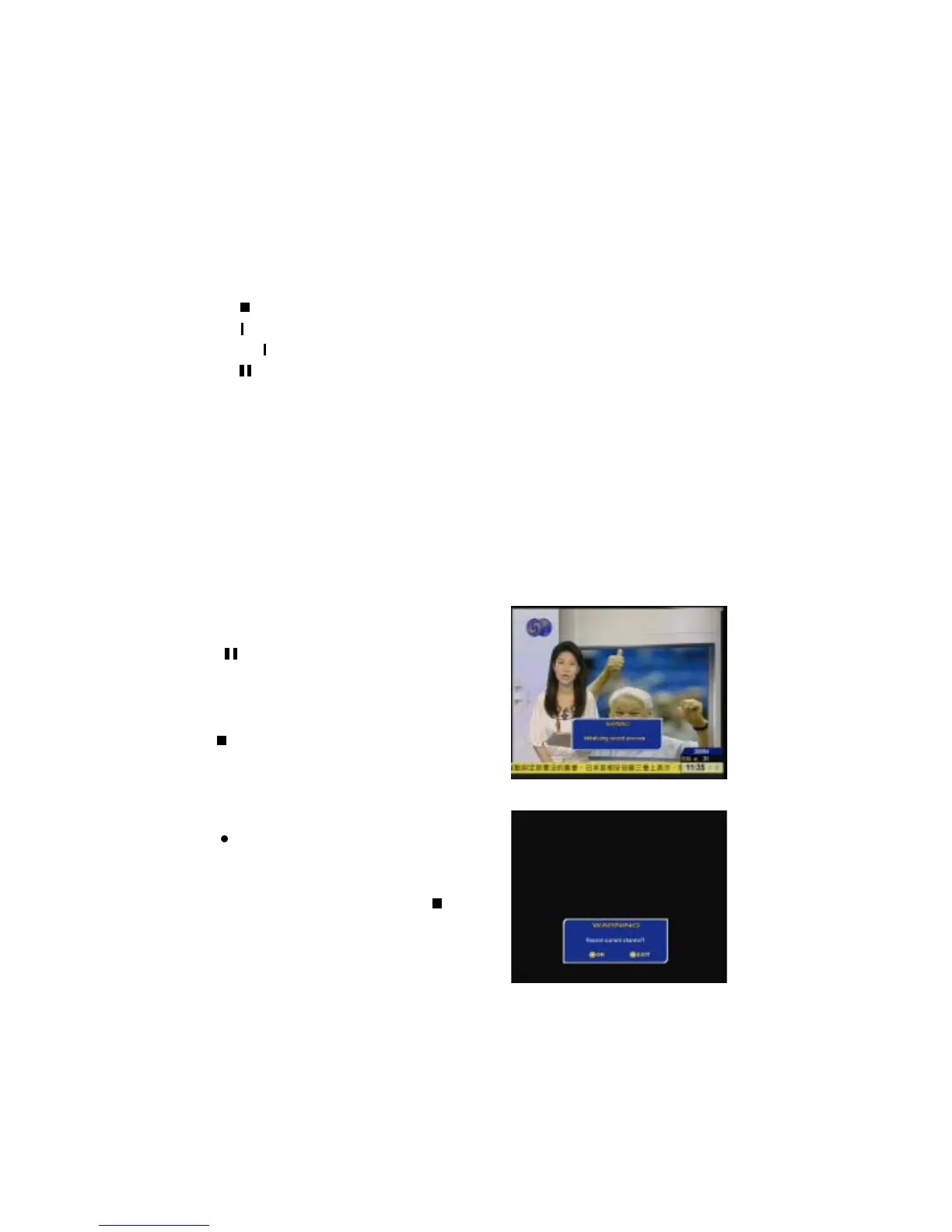
: Press this key will stop display picture
for a moment and initialize record process.
In recording mode, press INFO key to hide/
display the time-shift information, /USB or
EXIT key stop recording.
: If a USB disk is connected, press this
key will stop display picture and initialize
time-shift. In time-shift mode, press INFO
key to hide/display the time-shift information,
/USB or EXIT key stop time-shift.


 To Next Page