8. The Second Time Seing
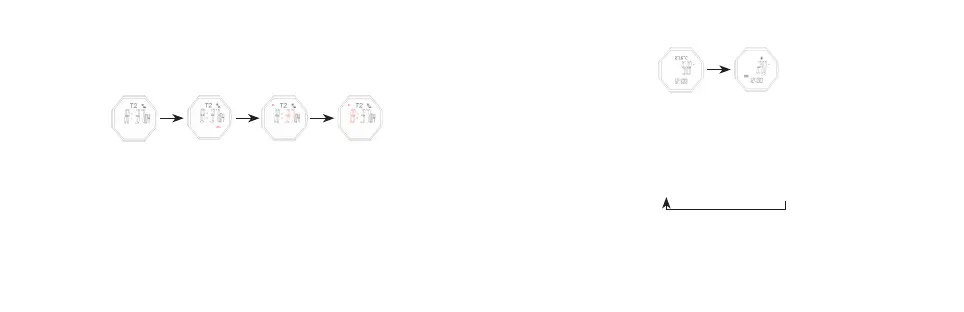
- In the second time seing mode, keep pressing B for 2s,the Minute flashes, entering
seing mode
- Press buon B to select the following items for seing sequentially:
B for 2s B B
The 2nd Time Mode “HOLD” Flashes Set Minute Set Hour
- Press E to increase the value, press and hold E to advance quickly.
- Press C to decrease the value, press and hold C to decrease quickly
- Keep pressing B for 2s to exit.
- It will exit seing mode when no any key pressing for 1 minute.
9. Altitude Measurement Mode
E
Humidity On Top
Altitude Trend On Top
- In the timekeeping mode, press buon C to enter altitude measurement mode
- Press E to shi the top row display content: temperature → altitude trend
- When it displays the trend, you can review the former hourly curve by quick pressing
- Keep pressing E for 2s to shi the unit of temperature and altitude
- It will return to timekeeping mode aer 24h without any pressing, when the top row
display curve, the first line flashes (current altitude)
°C/ → °C/m → °F/m → °F/



 To Next Page