Fingerscanner Technology for Time Attendance & Access Controller
11
To upload user’s data from USB Disk.
2. Delete
Option to delete user.
3. Set Comm.
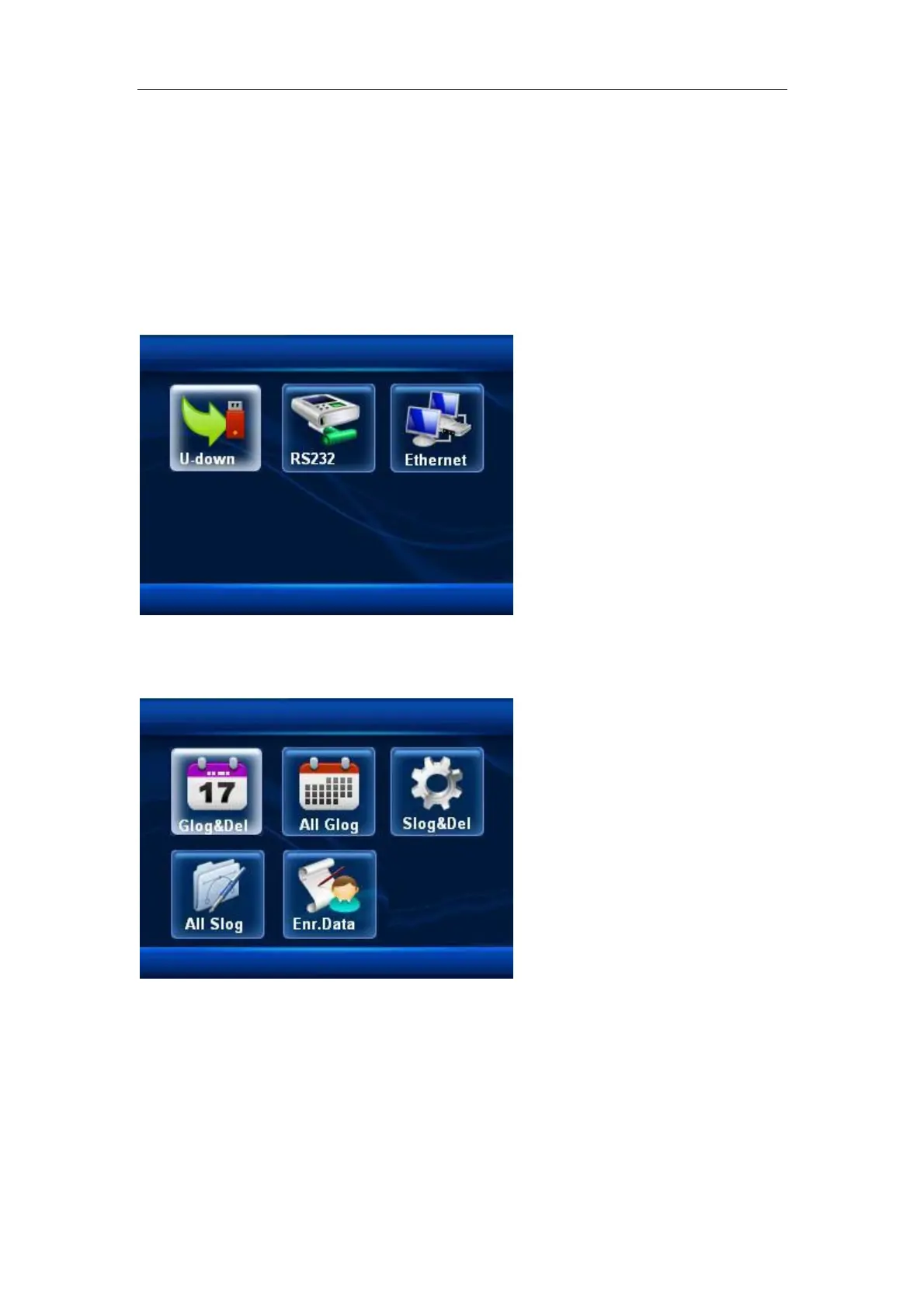
To set the communication method, there are:
U-Down (USB Download)
3.1.1 Glog&Del, to get the staff new attendance data and delete the file after
downloading is finish.
3.1.2 All Glog, to get the staff new attendance data
3.1.3 Slog&Del, to get the administrator new usage data
3.1.4 All Slog, to get the administrator all usage data
3.1.5 Enr.Data, to get the enrolled user’s data


 To Next Page