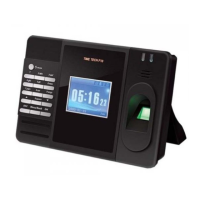
Fingerscanner Technology for Time Attendance & Access Controller
6
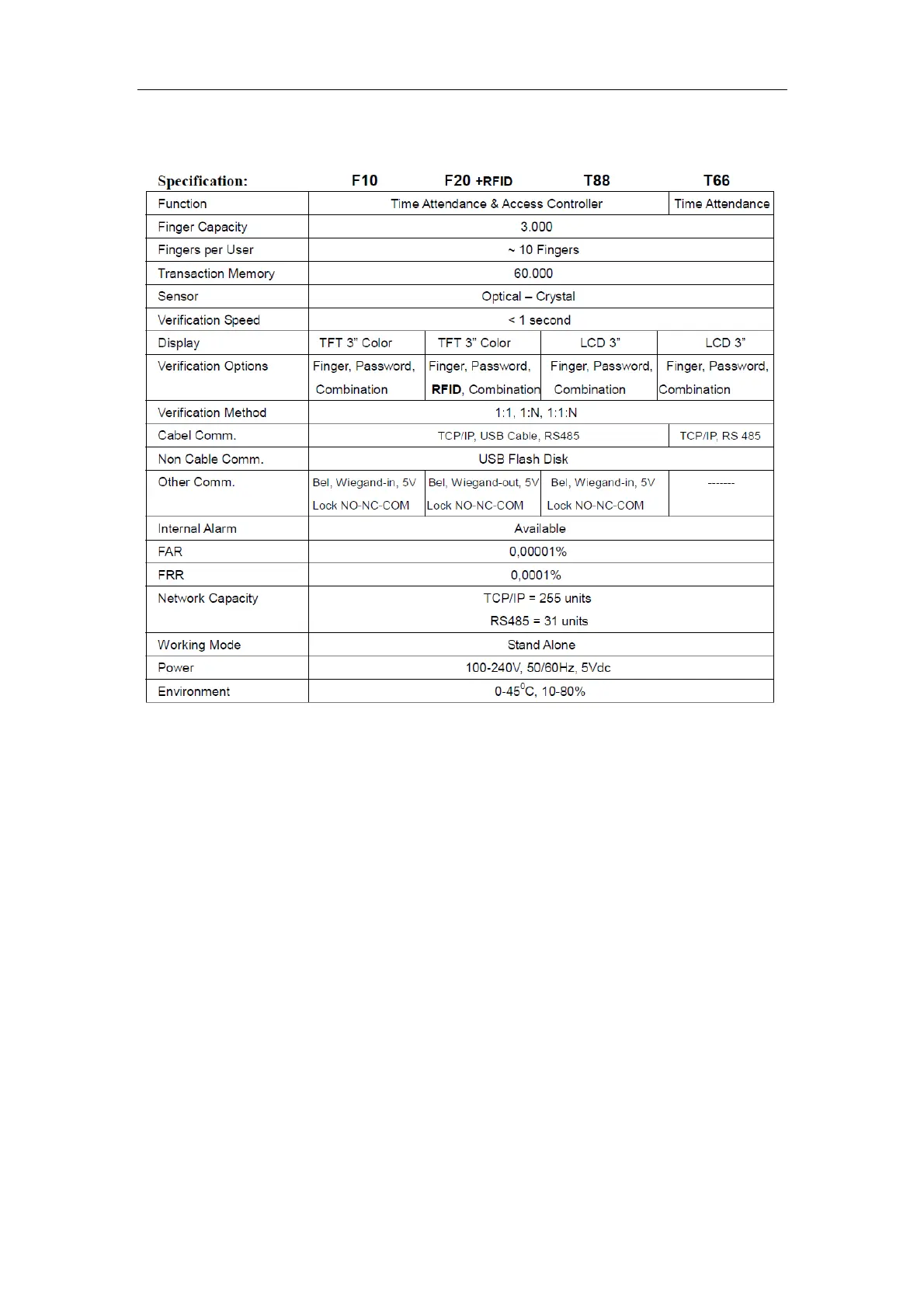
3. Specifications
4. Installation
There are 2 installations methods are available:
1. Desktop Installation
Please use the Desktop Board and screw the board to the machine, please
the machine always in flat surface.
2. Wall Hanging Installation
Please take off the metal bracket on the back of the machine by un-screw
the left and right screws, put and install the metal bracket on to the wall
firmly (using the screws and fishers inside the package).
Attached the machine into the bracket (has been firmly attached to wall)
and firmly screw back the machine with the metal bracket (left and right).


 To Next Page