Fingerscanner Technology for Time Attendance & Access Controller
12
3.2 RS 232
3.3 Ethernet (TCP/IP)
Connection using Ethernet should be correspondence with the computer or
server, please refer to the Application Software Manual for details.
4 Set Time
Option to set Time and Date.
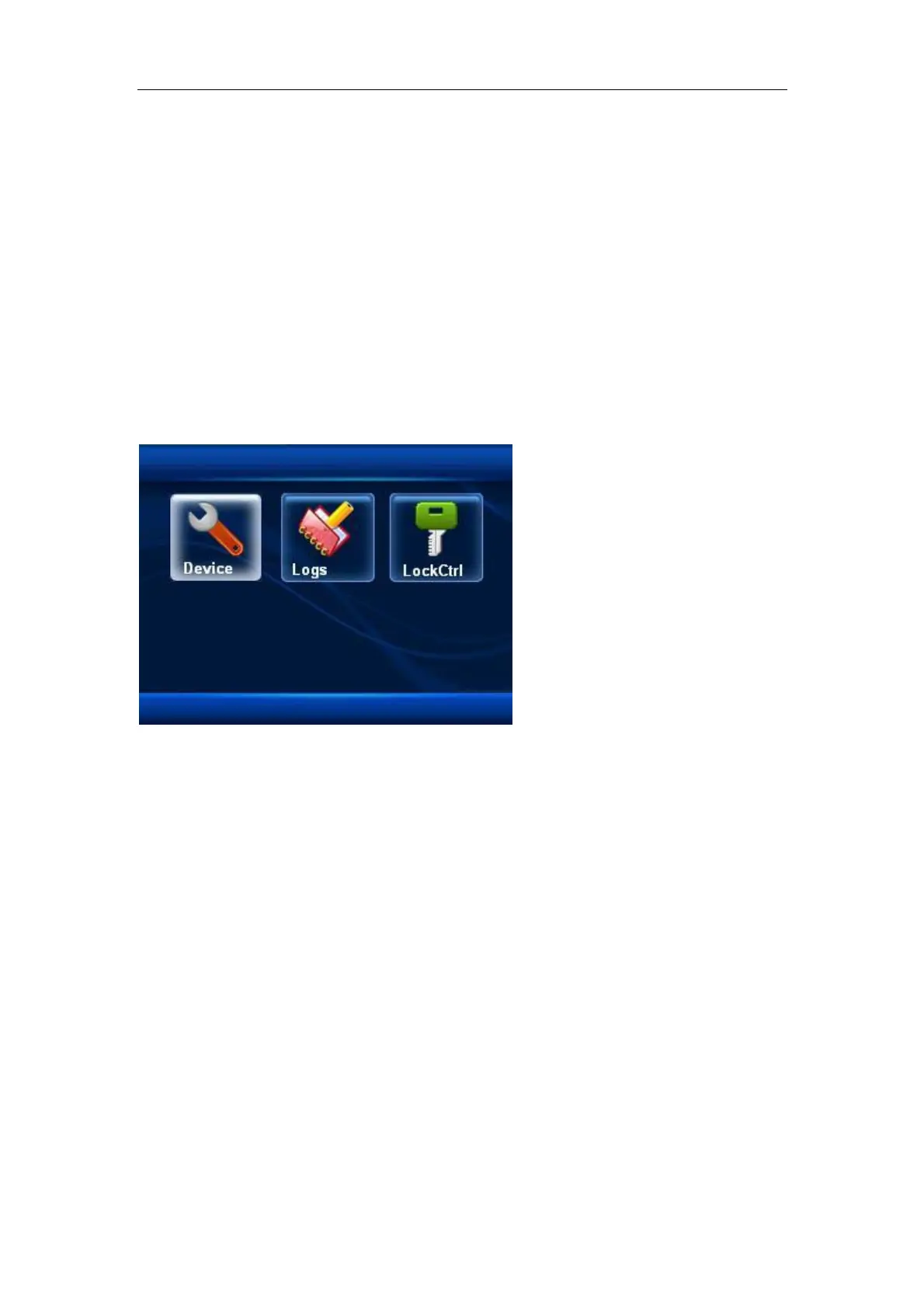
5 Advanced
Contains of:
5.1. Device
5.1.1 Machine ID, to set the machine ID number
5.1.2 Admin Qnty, so set how many administrator using the machine
5.1.3 Language, to set language
5.1.4 Voice Out, to set voice
5.1.5 Volume, to set voice’s volume
5.1.6 Auto off, to set auto off. Machine can be set into sleep mode 1-255
minute after turned on.
5.1.7 Screen Saver, to set the pictures for screen saver function
5.18 RS 485 Download, to set whether data transmission will use RS 485
5.1.9 Verify, to define the verification method between finger, password, Card
5.1.10 Default Setting, to reset the machine’s parameter to the factory default.


 To Next Page