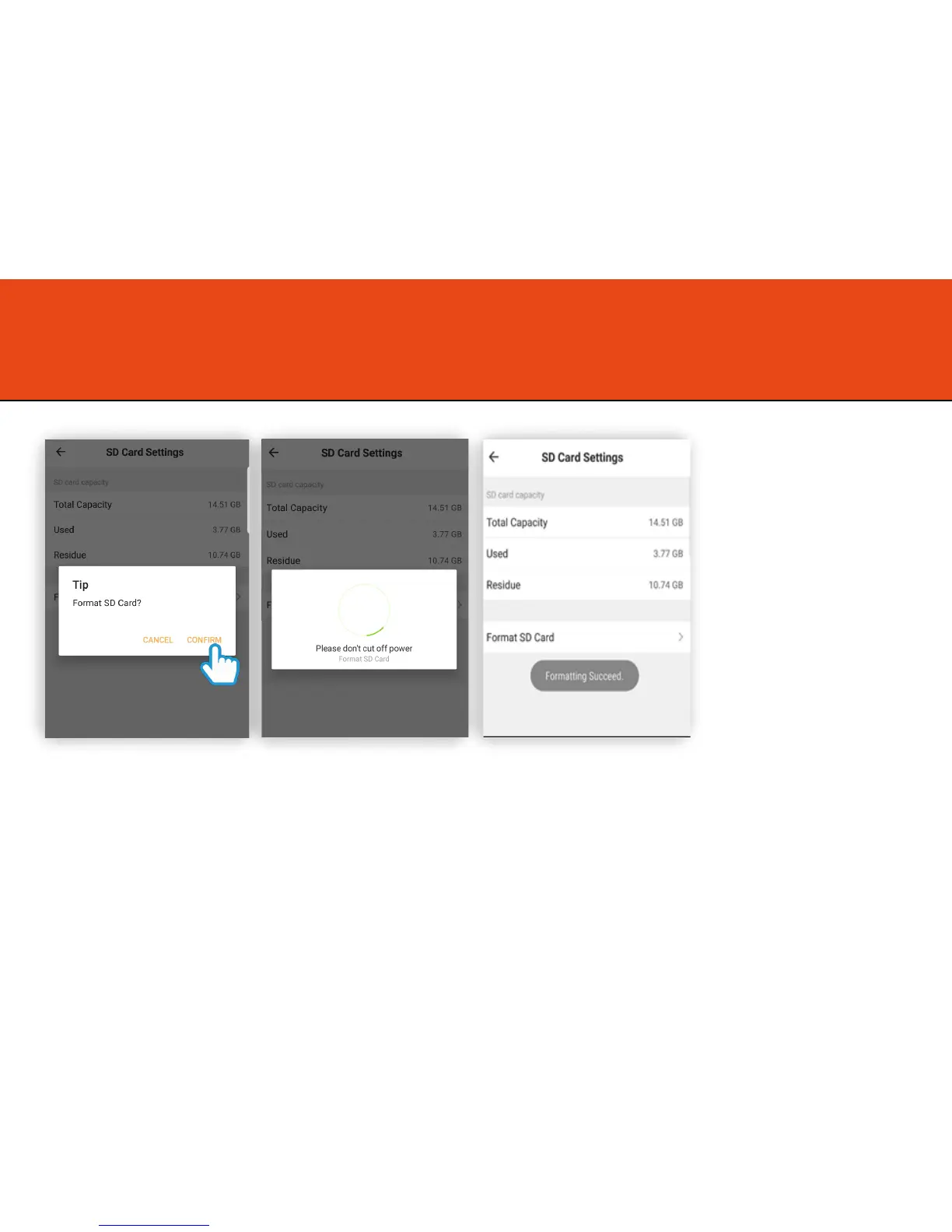
Formatting the Micro SD Card
Step 4
Click Confirm
Step 5
Olivia will begin to format the
Micro SD card.
Once completed Olivia will
start to record automatically.
*Please note: it will take a
couple of minutes to format
the card.
See “Playback and
Sharing Recorded Footage”
on the next page for more
information.
14



 To Next Page