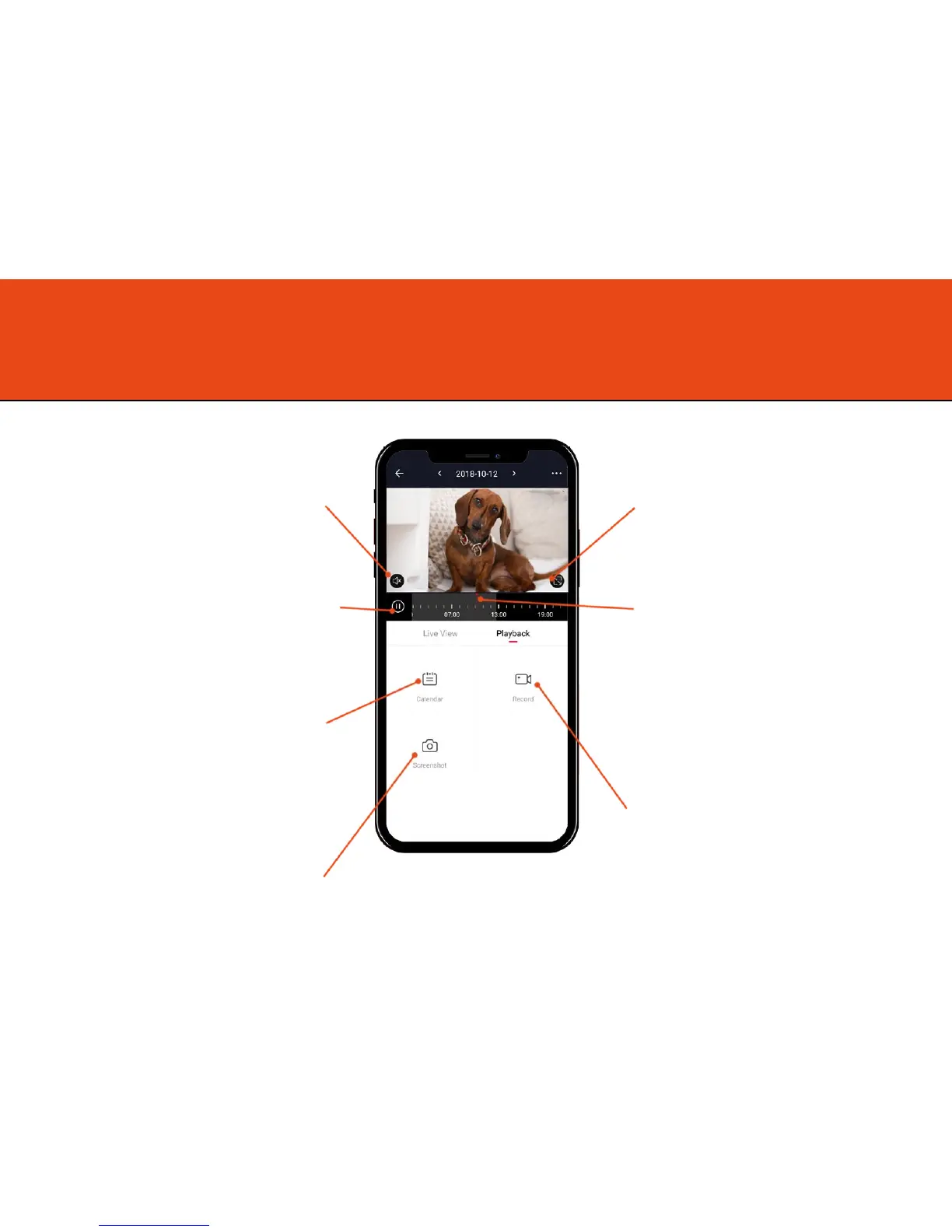
Playback – Options explained
Play the audio that has been
recorded from Olivia.
Pause and play the footage you are
watching.
Select which date you wish to view
the footage from.
Screen shot the footage you are
watching. This will be stored in
your mobile phone’s memory.
View playback in full screen.
You can scroll this bar to
automatically move to a certain
time.
You can expand this to choose a
more specific time.
Record footage you are watching.
This will be stored in your mobile
phone’s memory so you can share it
easily.
16



 To Next Page