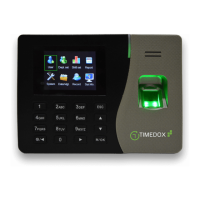
Download via USB
1. Connect your USB device to the port on the left side of your Time-clock.
2. Press-and-hold to display the main menu.
3. Select Data Mgt. and then select Download Attlog.
4. Wait for confirmation that the transfer is complete.
5. Connect the USB to the PC.
6. Save the file to your Timedox folder


 To Next Page