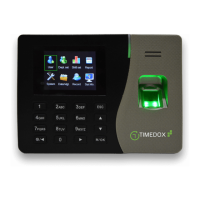
Setting the Timedox Excel File
1. Download the Timedox Excel file from the Timedox Support Page:
EmployeeReportManager_1.0.X.X.xls
(Refer to page 1 for instructions on how to download required software).
2. Press . (You may first have to enable editing by selecting the
button)
3. Define the Company and Payroll Settings.
4. Select ‘Import Employee ID’ and select the “…attlog” file from the Timedox folder you
created.
5. Enter the employees' names and hourly rates.
6. Now select ‘Attendance Reports’ > ‘Import Attendance Data’ > then select the
attlog file again. (This will add your company’s punch data to the spreadsheet)


 To Next Page