12 13
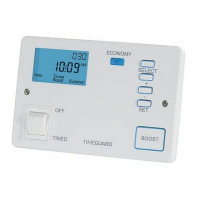
• Press the Day button again briefly and the day
indicator will move above day 2. In either case the
display will change to with a flashing 1
(indicating programme 1 on day 2) appearing
underneath the “ON” indicator.
• The required programmes can now be set for day
2 in the same way as for day 1. Days 3 to 7 can be
programmed in the same way as for days 1 and 2.
• Once the programming is complete press the Set
button and hold down for about 3 seconds until
the display returns to the correct time of day
with the colon flashing. The module is now in its
operating condition.
6e Suspending programmes
• Press and hold down the Set button for about
3 seconds until the first “ON” programme,
day 1 is displayed.
• Press the Day button repeatedly until the day
indicator points to the day on which you wish
to suspend the ON/OFF time.
• Press the Set button repeatedly until the “ON”
or “OFF” time of the programme you wish to
suspend is displayed.


 To Next Page