Need help?
Do you have a question about the Timeguard SLB2300 and is the answer not in the manual?
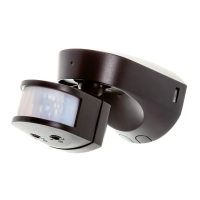
Guidance on choosing the optimal placement for the motion detector to ensure effective coverage and avoid false triggers.
Step-by-step instructions for mounting the PIR sensor, including backplate attachment and cable management for weatherproofing.
Procedure to test the sensor's detection range and adjust its position for optimal coverage before final setup.
Configuration of TIME and DUSK controls for automatic lighting activation based on motion and ambient light levels.
Techniques to reduce sensor coverage by masking specific lens sections to prevent detection in unwanted areas.
Instructions for activating and deactivating the manual override feature to keep lights on or return to auto mode.
 General
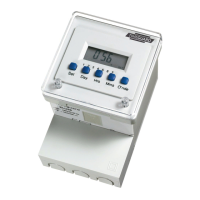
| Number of Channels | 1 |
|---|---|
| Programmable | Yes |
| Display | LCD |
| Time Resolution | 1 minute |
| Voltage | 230V AC |
| Maximum Load | 3kW |
| Battery Backup | Yes |
| Weight | 150g |

 To Next Page